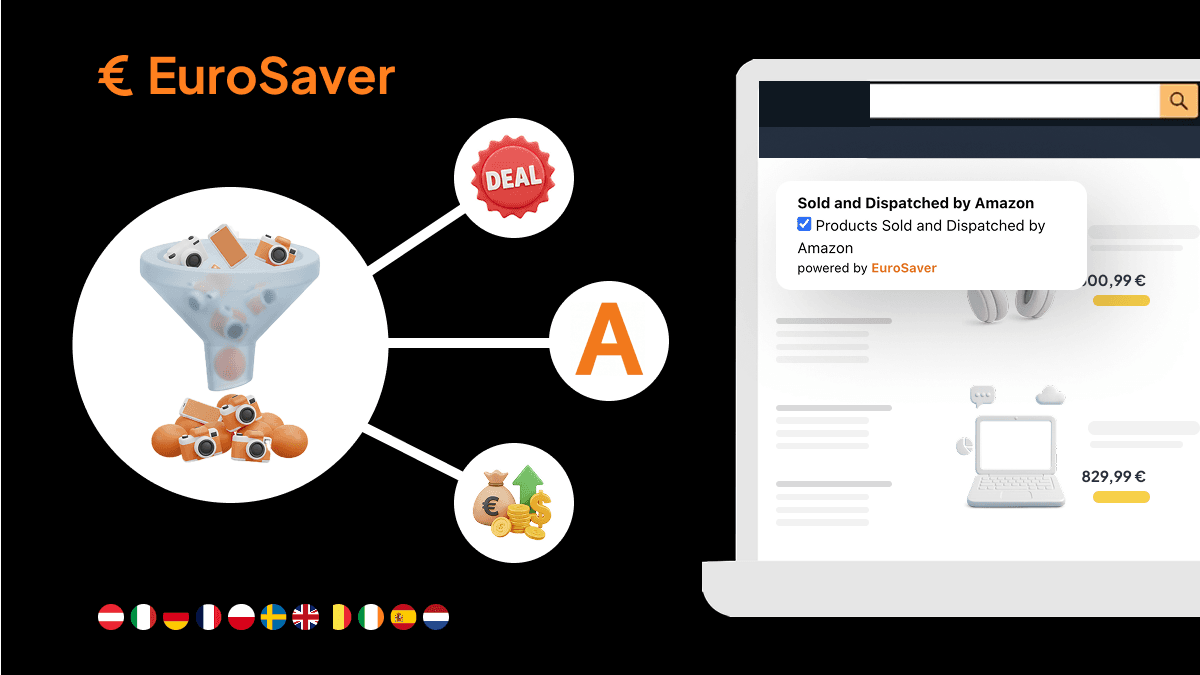
EuroSaver 1.4.5: basket comparison and copy order number
Compare the whole basket across all stores instead of item by item
Version 1.4.5 extends the comparison from a single product to the whole basket and adds a small helper for Amazon support requests.
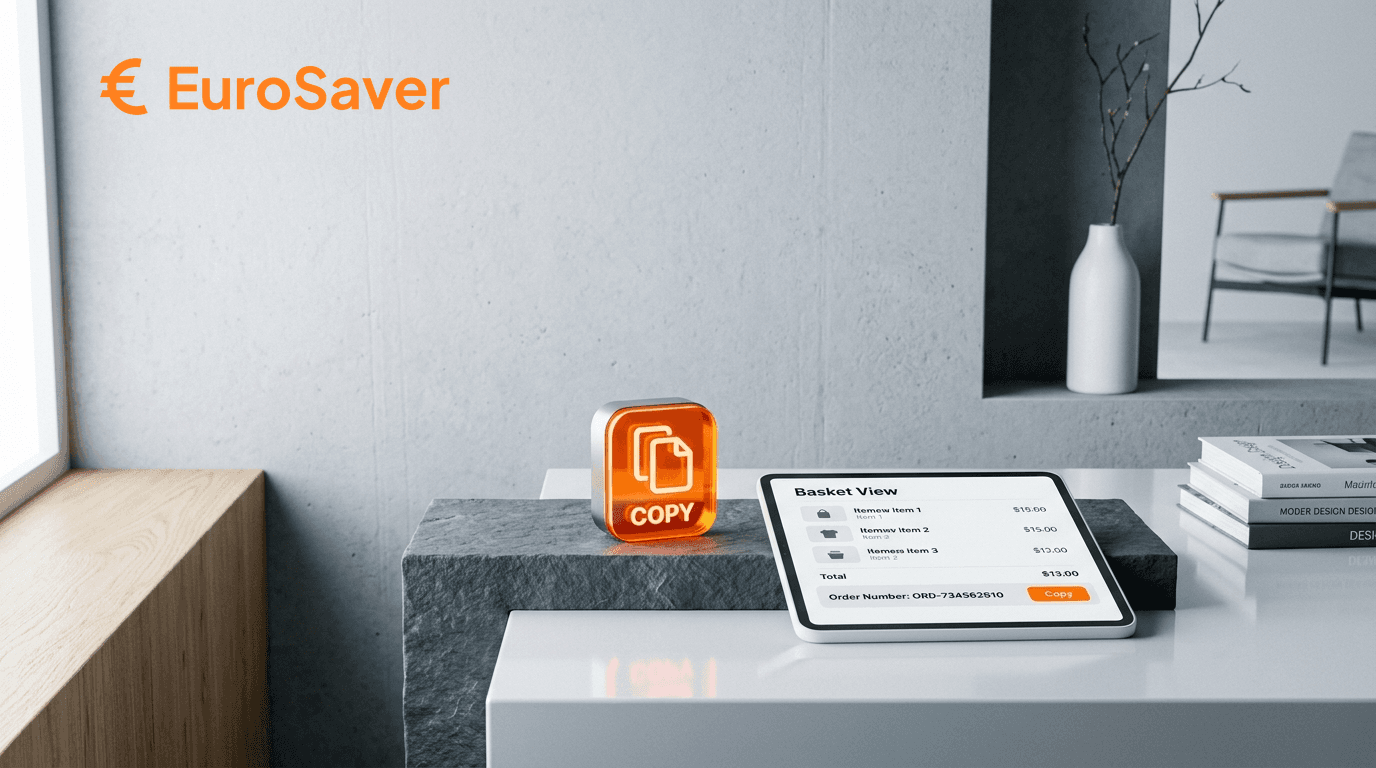
Basket view
Until now, EuroSaver compared product page by product page. From this version on, the extension analyses every item on the basket page and shows the comparison across your activated Amazon stores.
The practical benefit lies in one detail that gets lost when comparing items individually: shipping costs apply per order, not per item. Three items from three countries mean three lots of shipping. A store that does not have the best price on any single item is often still the cheapest choice overall.
How to use it: add items to the basket as usual, switch to the basket page, and EuroSaver checks automatically.
This pays off especially for larger orders, gift shopping and recurring purchases. How the calculation shifts in detail is covered in Amazon price comparison including shipping costs.
Copy order number
Order numbers can now be copied with a click instead of selecting them with the mouse. Useful in support chats, for returns and for enquiries about lost parcels, especially when several orders are open at once.