Spare auf Amazon in weniger als 1 Minute.
Start saving on Amazon in under 2 minutes.
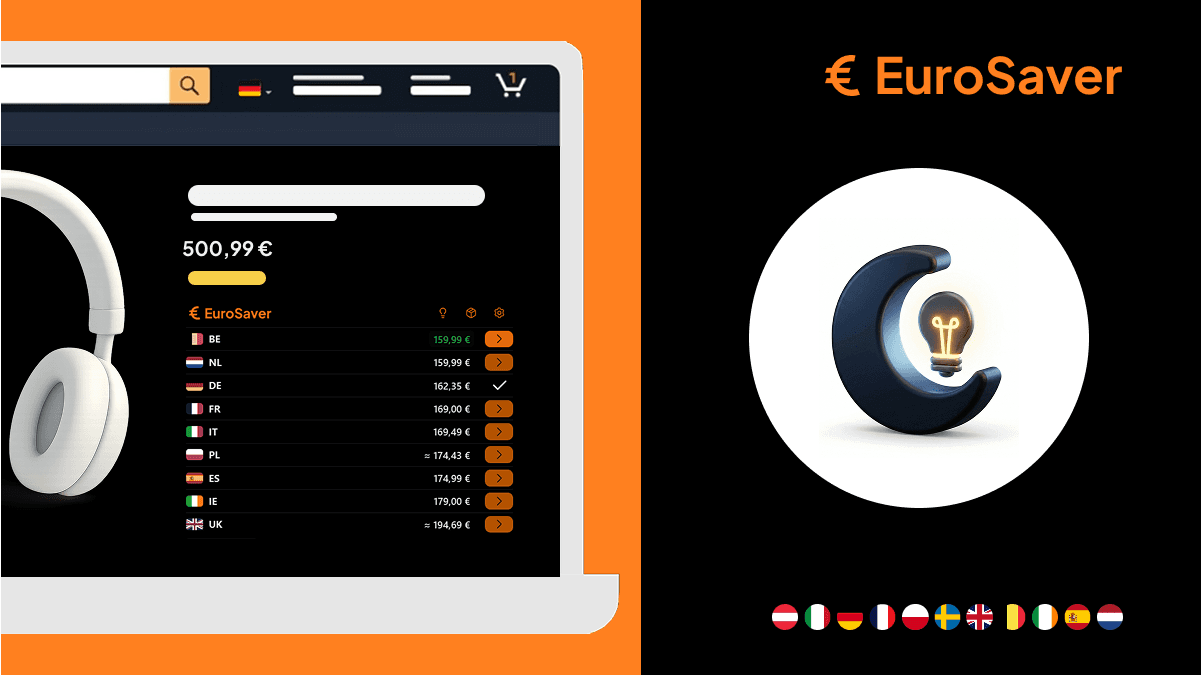
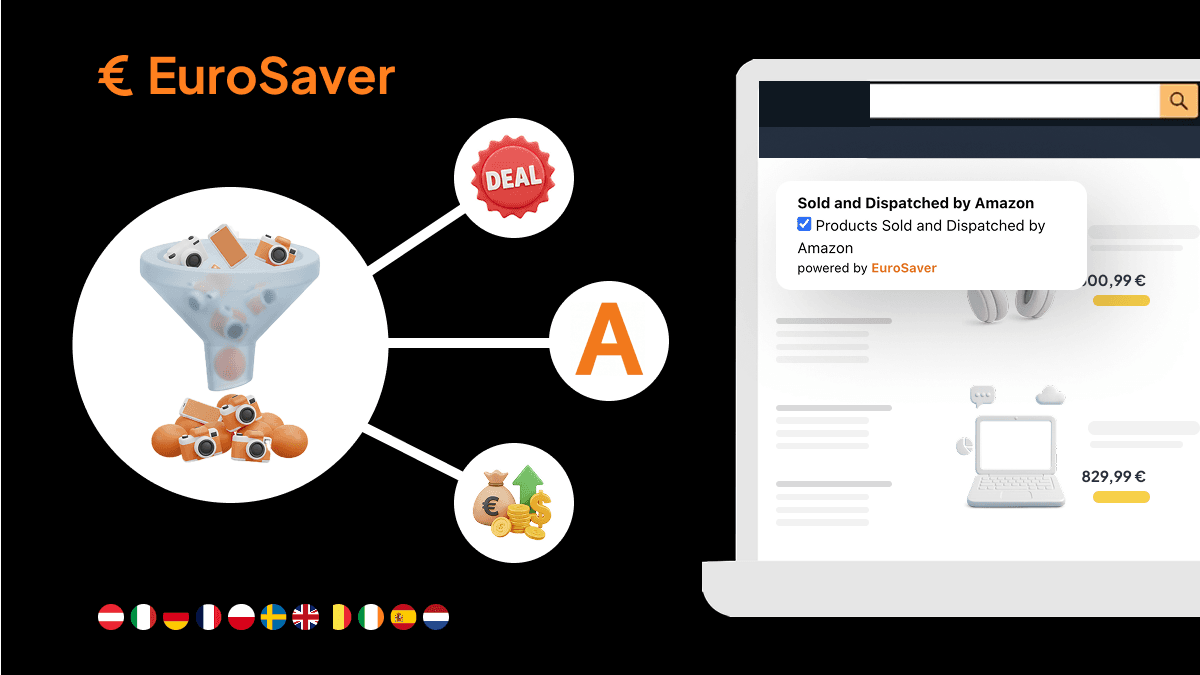
Set up the extension, grant Amazon access, then open a product page and let EuroSaver show cheaper stores automatically.

Core flow
Required setup
Four quick steps. Tick them off as you go.
Right-click the EuroSaver icon in the browser toolbar.
Click Manage extension.
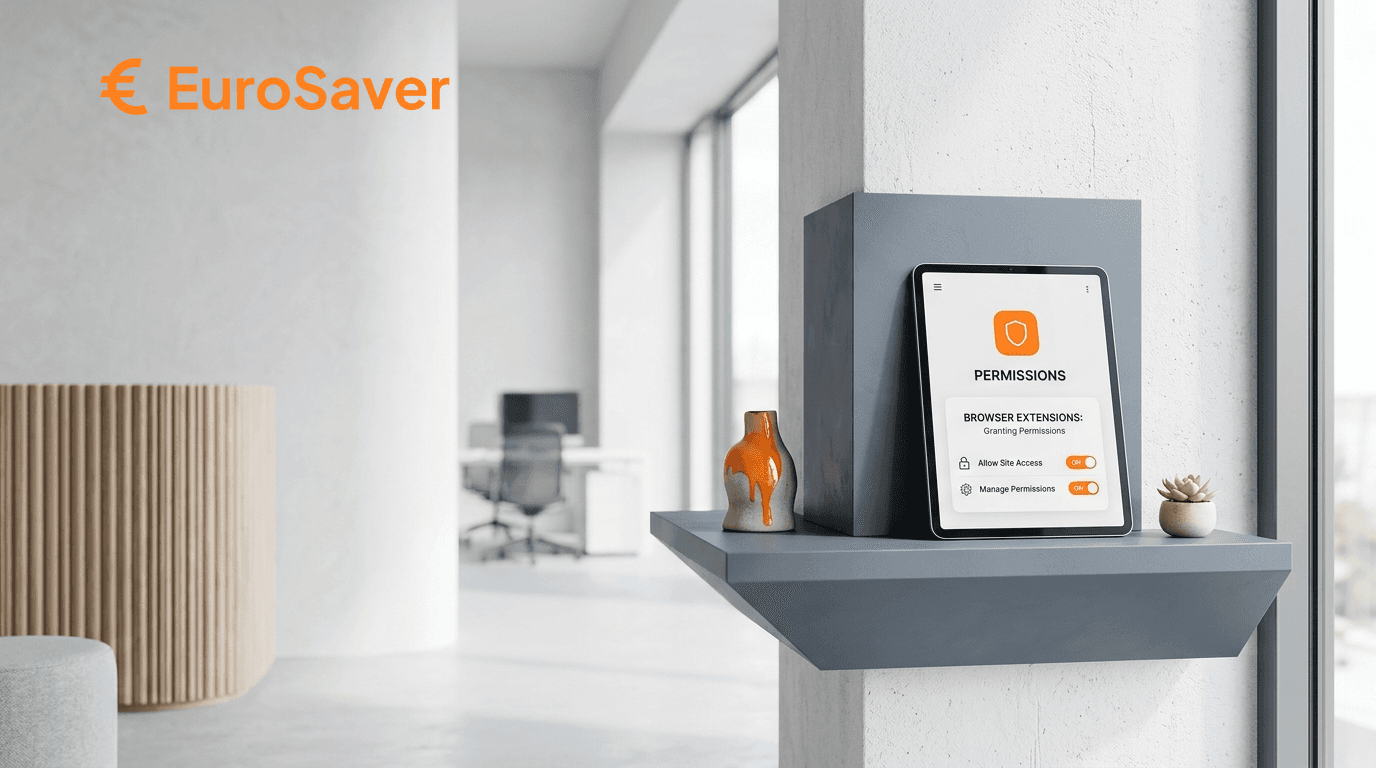
Open the permissions section for EuroSaver.
Enable access for all displayed Amazon URLs.
This lets EuroSaver read prices on Amazon pages only. No other browsing data is accessed. Privacy policy
Permissions not saving? See fix
0 of 4 steps done
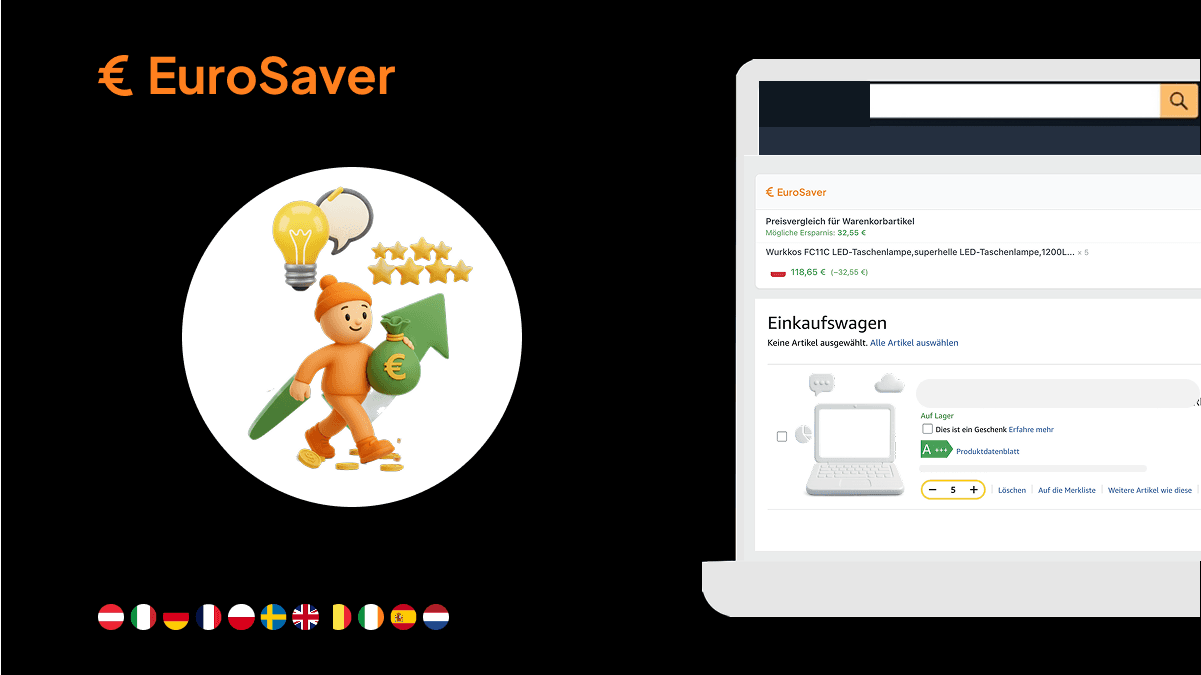
EuroSaver runs automatically from now on. Open Amazon, search as usual, and watch for the comparison on the page or in the popup.
Frequently Asked Questions
Blog