Buying PC components for less: when looking abroad pays off
Which parts can be imported, when prices drop and where RMA becomes a problem
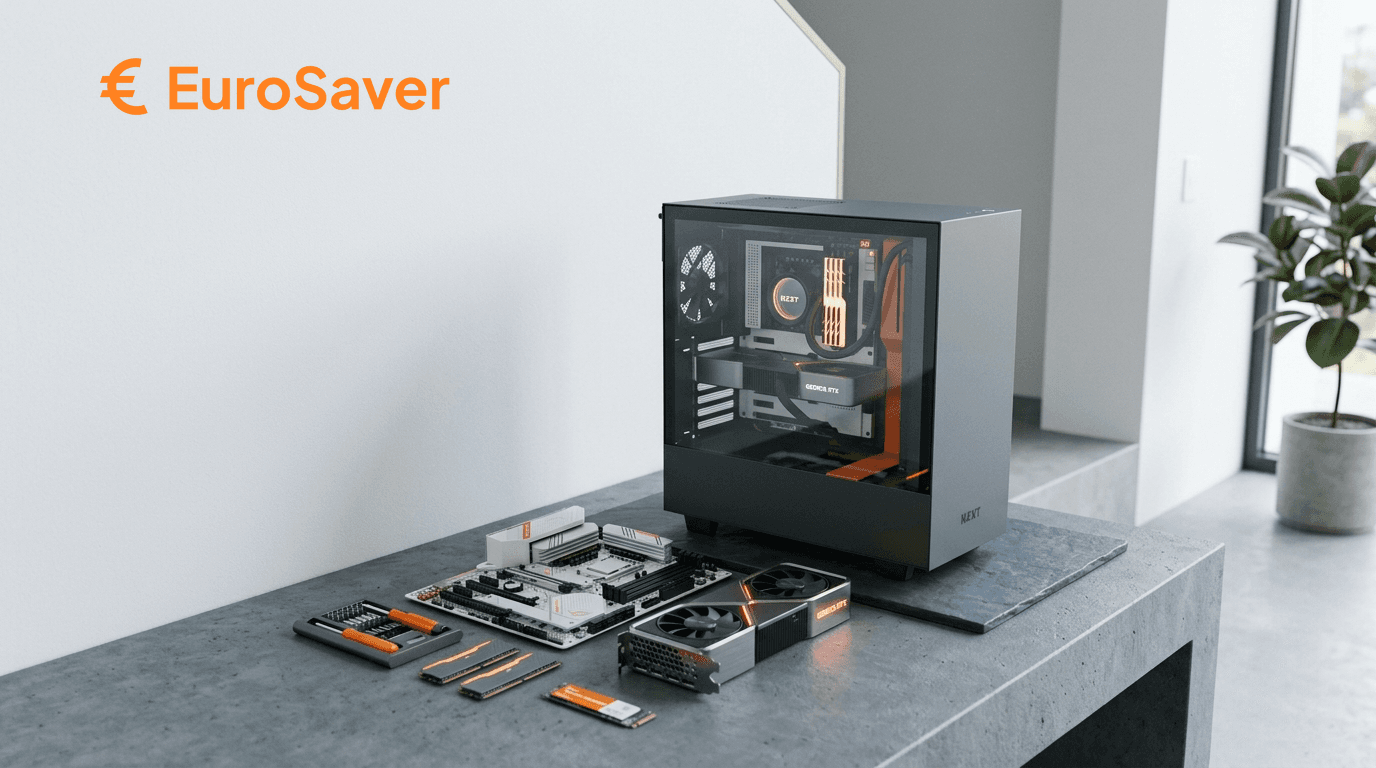
A build consists of seven to eight parts, and for each one individually it is decided whether you pay too much. Price differences of £25 to £70 between the European Amazon stores are not rare on graphics cards and motherboards.
Not every part suits equally well. Some import almost risk-free; with others you bring home an RMA problem costing more than the saving. This text sorts it out.
Which components tolerate foreign purchase
The decisive question is not price but what happens if the part fails.
Well suited: components with long manufacturer warranties that run through the maker anyway: power supplies with seven to twelve years of coverage, cases, RAM with lifetime warranty, often graphics cards too. With a defective Seasonic or be quiet unit you call the manufacturer, not the seller. Whether you bought in Spain or the UK makes no difference there.
Conditionally suited: CPUs and motherboards. Boxed CPUs carry three years of manufacturer warranty; motherboards two to five depending on brand. It works but runs slower than an exchange at a retailer.
Poorly suited: everything that ultimately rests on consumer law, plus heavy and bulky parts. Shipping a tower case from Italy costs a three-figure sum — and in case of failure, the same again.
Researching prices: two tools, two tasks
For PC hardware each market has its specialist price comparator as reference — and rightly so: it lists dedicated retailers, shows price histories and makes stock visible. For «what does this part cost here at minimum» nothing beats it.
What such portals do not show: prices on amazon.de, amazon.fr or amazon.es. Precisely there arise the differences this text is about, because Amazon calculates per country and promotions run unsynchronised.
Using both makes sense: the national comparator as reference for the home market, and the European Amazon comparison for whether another store undercuts that price. Whoever uses only one regularly leaves money behind.
Timing: when prices actually fall
Generation changes are the most reliable lever. As soon as a new GPU or CPU generation is announced, predecessor prices give way, often before launch even. Without needing top performance you buy within that window.
Promo days like Prime Day and Black Friday bring real drops, but not across the board. Check beforehand whether the promo price sits below what the part already cost in recent months. How to recognise that: Spotting genuine discounts.
Memory prices follow their own cycle. RAM and SSDs hang on the DRAM and NAND markets, highly reactive to demand shocks from datacentre business. In scarcity phases prices climb for months; afterwards they fall just as clearly. If you need not build immediately, wait those phases out.
Strategies that genuinely deliver
Calculate bundles, do not believe them. CPU-motherboard combos are sometimes cheaper, often only apparently. Price both parts separately and compare.
Check the previous generation. With CPUs the everyday performance gap between two generations often sits under ten percent; the price gap clearly above. Benchmarks for your concrete use case answer faster than any buying guide.
Build yourself over prebuilt systems. Ready-made PCs save time but charge a premium, and the scissors usually hide in the power supply.
Order from one store. Abroad shipping applies per order, not per part. Three parts from three countries = three consignments. Often the second-best price within one store comes out cheaper than three best prices scattered.
Do not economise on the PSU. A bad power supply endangers everything hanging off it. Look for an 80 PLUS rating and a brand with serious warranty.
The components one by one
CPU
AMD and Intel alternate at the top by price class; fixed recommendations rarely survive a year. Boxed versions bring three years of manufacturer warranty, tray goods none. When importing check that truly the boxed variant is listed.
GPU
The biggest line item in the build and the one with the greatest country differences. The mid-range usually offers the best value. Prices today react less to mining than to AI and datacentre demand plus memory prices, which stretches expensive phases compared to the past.
RAM
Check compatibility with the motherboard: generation, clock rate and maximum occupancy. Many manufacturers give lifetime warranty, making RAM one of the least critical imports.
Storage
The gap between SATA SSD and NVMe has narrowed sharply; SATA rarely still pays. Smarter to split by use: a fast NVMe for system and active projects, a larger and cheaper one for archive.
Power supply
The best import candidate of all. Seven to twelve years of manufacturer warranty mean the purchase location hardly matters in case of failure. Calculate higher shipping though: PSUs are heavy.
Case
Airflow beats looks, and build quality registers at every installation. Worst category for importing: much volume, much weight, high costs both ways.
Cooling
Boxed coolers suffice for CPUs without overclocking in the entry and middle tiers. Beyond that it gets tight. Good air coolers reach the performance of many AIO liquid coolers for less money and without a pump as wear item.
What counts extra when importing hardware
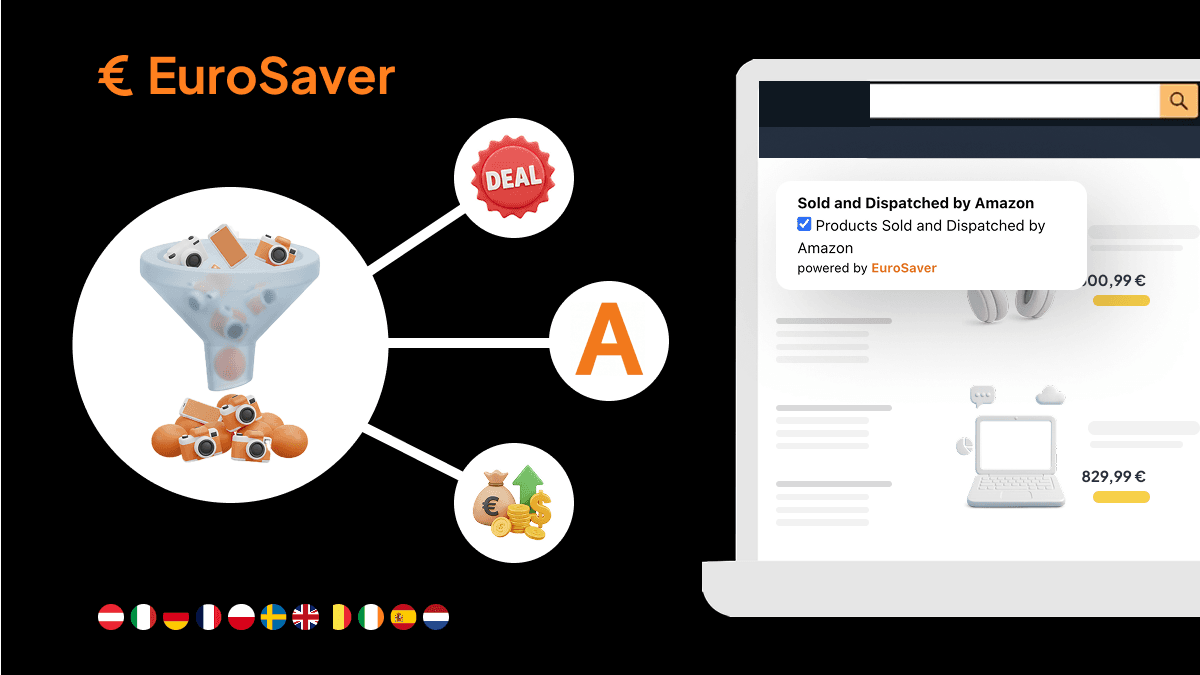
Statutory rights run via the store of purchase. If you rely on them, your counterparty is the original store. With «Dispatched from and sold by Amazon» that is Amazon EU S.à r.l., thus simple; with a marketplace seller in Poland considerably less. With hardware especially, watch who sells, see How to find products dispatched from and sold by Amazon.
Keyboards and peripherals arrive from abroad with QWERTY or AZERTY layouts instead of UK layout. Cases, GPUs or RAM care little about origin; input devices do.
Power cables ship in the store country's standard. A suitable cable costs a few pounds and is no reason to pass on an offer.
The final total appears at checkout. Shipping adds on, and instead of any VAT adjustment, UK import charges apply after purchase: 20 percent import VAT on goods plus postage, courier fees, customs duties above £135. The breakdown stands in Amazon price comparison including shipping costs.
Automating the country comparison
Seven components times nine European Amazon stores checked by hand: not a realistic task. EuroSaver does it directly on the product page: prices of activated stores, foreign currencies converted into yours, estimated shipping included.
What the extension cannot do: anticipate import charges or cover retailers outside Amazon. For the national market price the specialised comparator remains the reference; for finding Europe's cheapest Amazon store the automatic comparison beats any tab collection. How it works in detail: Amazon EU price comparison.
The build in the right order
First fix budget and target resolution — from that follows the GPU class, and from the GPU the rest. Then check each part's national reference price. Only then does the cross-country comparison deserve effort, aiming to bundle as many parts as possible into one store.
And should a part be sitting in an expensive phase right now, waiting is the cheapest strategy of all. A build need not finish within one weekend.