Ordering from Amazon Italy or Germany: a guide in 7 steps
From the right store to the return, played through once in full
The first purchase at a foreign Amazon store seems clumsier than it is. You need no new account, no overseas address and no foreign languages. What you need are seven moves in the right order.
This guide assumes you live in the UK and want to order from an EU store. Why that can pay off is explained in Why Amazon prices differ across European stores. Here it is only about the how — including the import side that EU buyers never see.
1. Open the right store
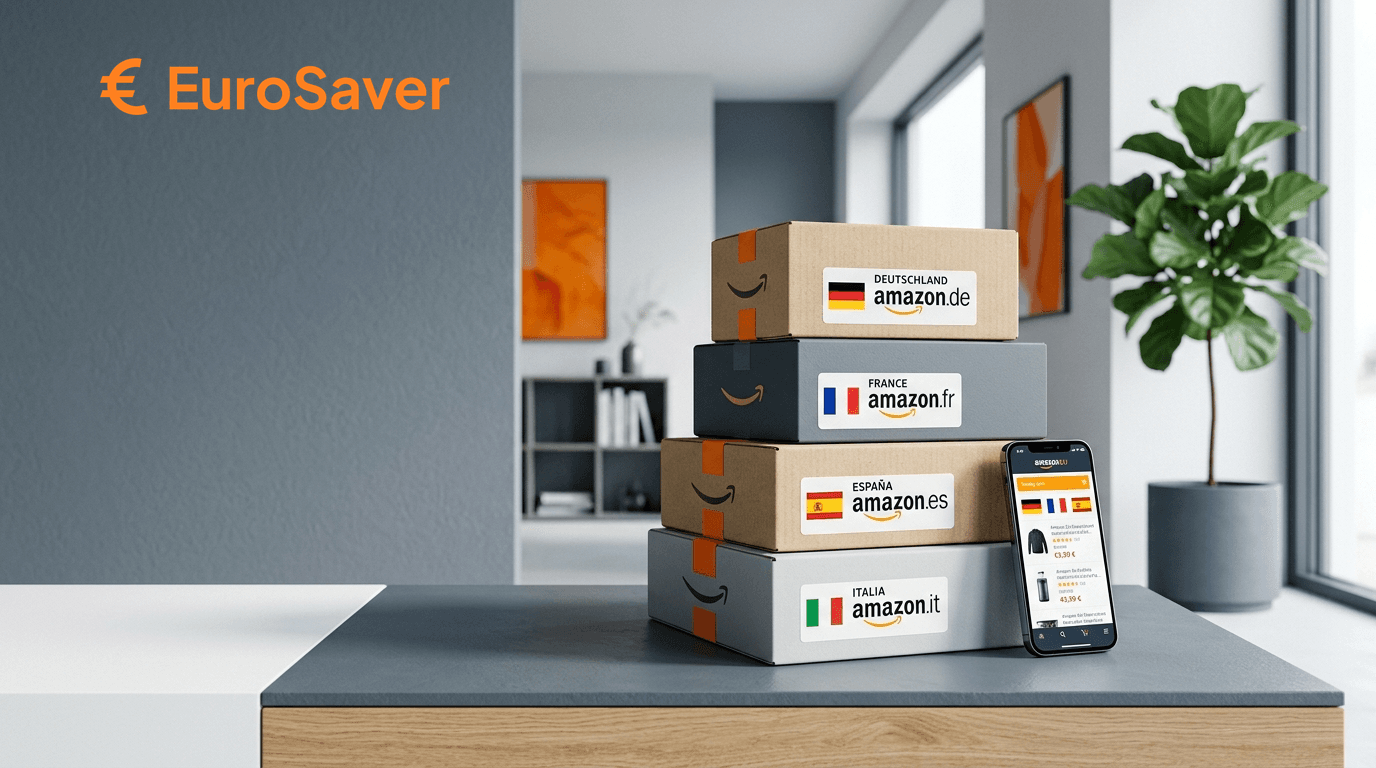
Every country has its own domain. For the EU:
| Country | Domain |
|---|---|
| France | amazon.fr |
| Italy | amazon.it |
| Spain | amazon.es |
| Germany | amazon.de |
| Netherlands | amazon.nl |
| Belgium | amazon.com.be |
| Ireland | amazon.ie |
| Poland | amazon.pl |
| Sweden | amazon.se |
Open the domain directly. If Amazon redirects you back to your home store, a stored country preference is the cause. Change it at the bottom of the page via the country selector or delete the domain's cookies.
The twelve stores outside Europe follow different rules again. The overview sits in All Amazon marketplaces at a glance.
2. Switch the language
Top right next to the country flag you find the language selection. All EU stores offer English; many add German or French. Navigation, categories and the whole ordering process come translated.
What stays in the local language: the product descriptions themselves, because they come from the sellers. For those, your browser's translation function suffices.
3. Find the item
Most reliably you search by ASIN, the ten-digit Amazon number from the product details. Within Europe Amazon runs a largely common catalogue, so identical goods usually carry the same number. Copy it from one store's product page into the foreign store's search box.
If the search finds nothing, either the product does not exist there or it circulates as a country-specific edition under another number. Brand and model name searching is then your only route.
4. Check whether delivery to the UK happens
That is the step most people skip. Not every article ships abroad, and marketplace sellers' offers are especially restrictive here.
Two spots give the answer: the delivery address note on the product page and, more reliable, the basket with your UK address stored. If a delivery date appears, all is well — but remember this is an export for them, and an import for you.
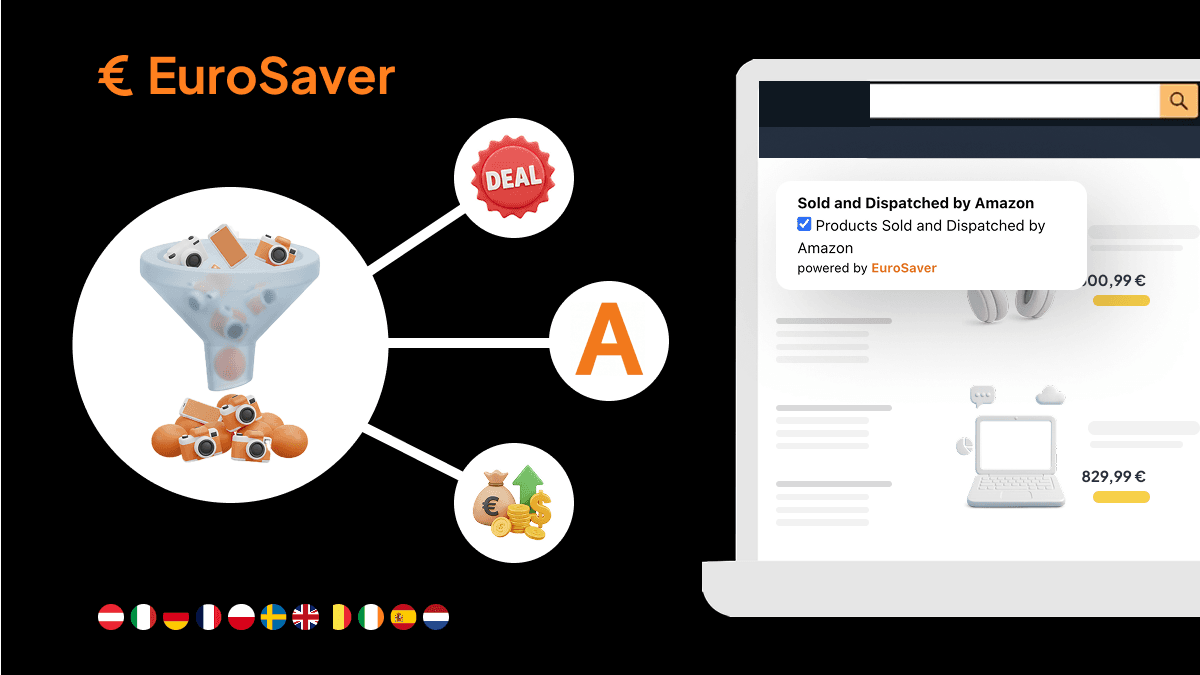
Watch simultaneously who sells. With «Dispatched from and sold by Amazon» handling is standardised; with third parties it depends on the seller. How to filter for those offers is shown in How to find products dispatched from and sold by Amazon.
5. Store address and payment
Your usual Amazon account works across all EU stores. You sign in with the same credentials, and normally addresses and payment methods carry straight over.
Should something be missing, enter your UK address as normal and choose United Kingdom in the country selection. An address in the store's country is not needed.
In Poland and Sweden billing runs in złoty or kronor; elsewhere in euros. Check beforehand whether your card charges a foreign transaction fee — up to 2 percent depending on issuer. Details in Amazon currency conversion.
6. Read the checkout before you order
The product price is not the final price. In the last step two items arrive — and unlike within the EU, no VAT adjustment reduces anything on this side of the journey.
Shipping costs apply per order, not per article. For standard parcels within the EU they usually sit between £4 and £12; more for heavy devices. Ordering from multiple stores means paying this amount repeatedly. The breakdown stands in Amazon price comparison including shipping costs.
UK import charges arrive after purchase instead of appearing at checkout: import VAT at 20 percent on goods value plus postage, courier clearance fees typically £4 to £8, and above £135 possible customs duties depending on category. Factor these into every comparison — they apply to each parcel individually.
No customs paperwork falls away just because the seller handles collection; the courier collects from you directly.
7. Delivery, invoice and returns
Delivery times sit at two to five working days depending on origin country. Tracking runs through your usual account under «My Orders», though you must be logged into the national site where the order lives.
The invoice arrives in the store's language. As proof of purchase it is valid throughout Europe; a translation is not required.
For returns the familiar logic applies differently across borders: EU consumers enjoy a 14-day right of withdrawal and statutory warranty against their seller. As a UK buyer you deal with the seller's own terms plus international return postage, which often exceeds what the item saved. With «Dispatched from and sold by Amazon» you start the return through that store's Returns Centre and usually receive an international label; with marketplace sellers read the return policy before buying, because their conditions rule.
Automating the comparison
The seven steps above are only needed in full the first time. What remains is the question of which store to check in the first place.
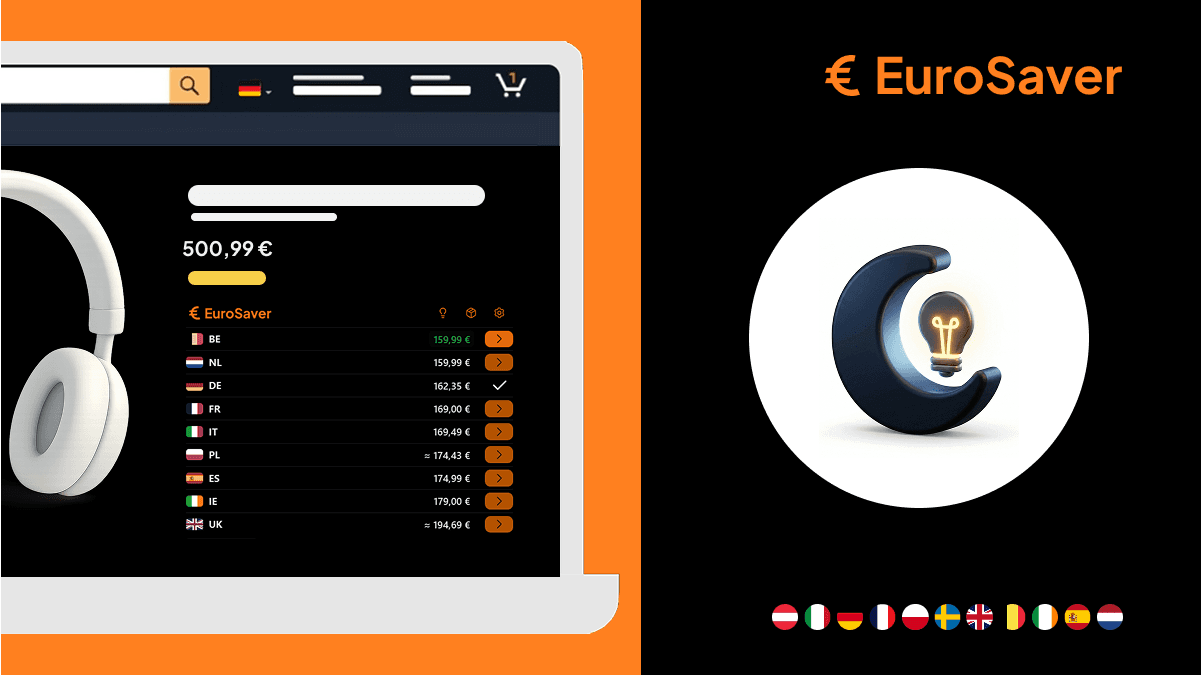
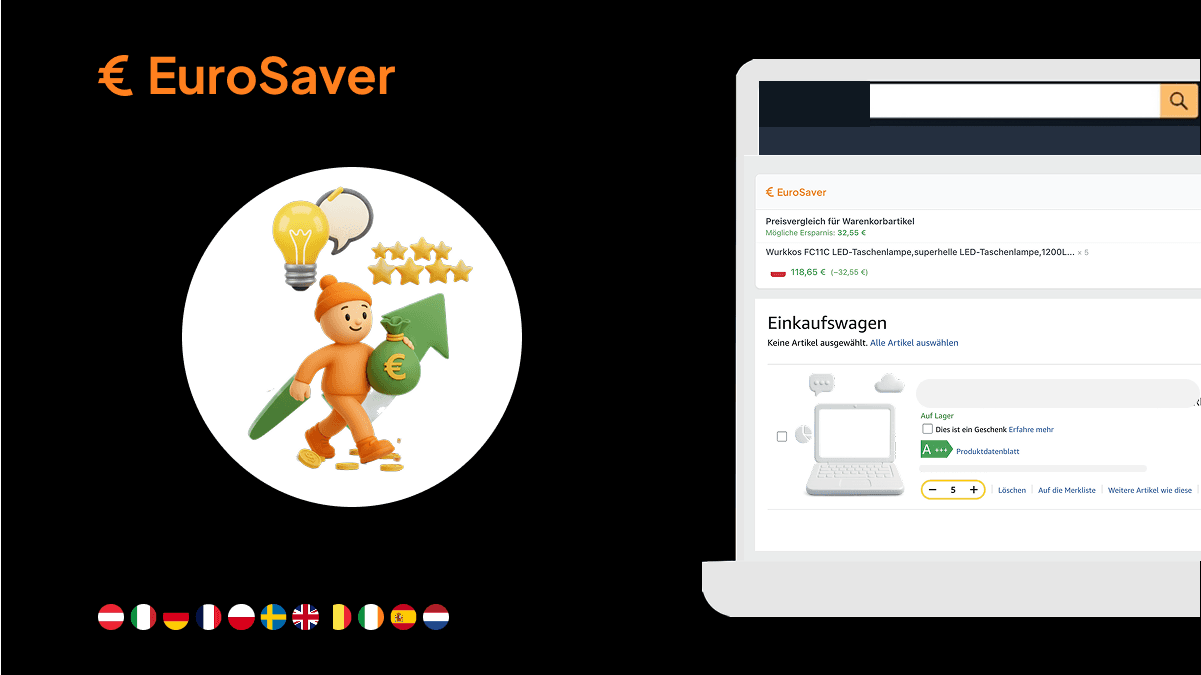
Exactly that EuroSaver takes off your hands. The free extension checks prices of your activated Amazon stores directly on the product page, converts foreign currencies into yours and includes estimated shipping. No account switching, no six tabs, no mental arithmetic. How the comparison works in detail is described in Amazon EU price comparison.