Before and after: how EuroSaver changes your Amazon search
Three typical problems and what changes when you shop with EuroSaver
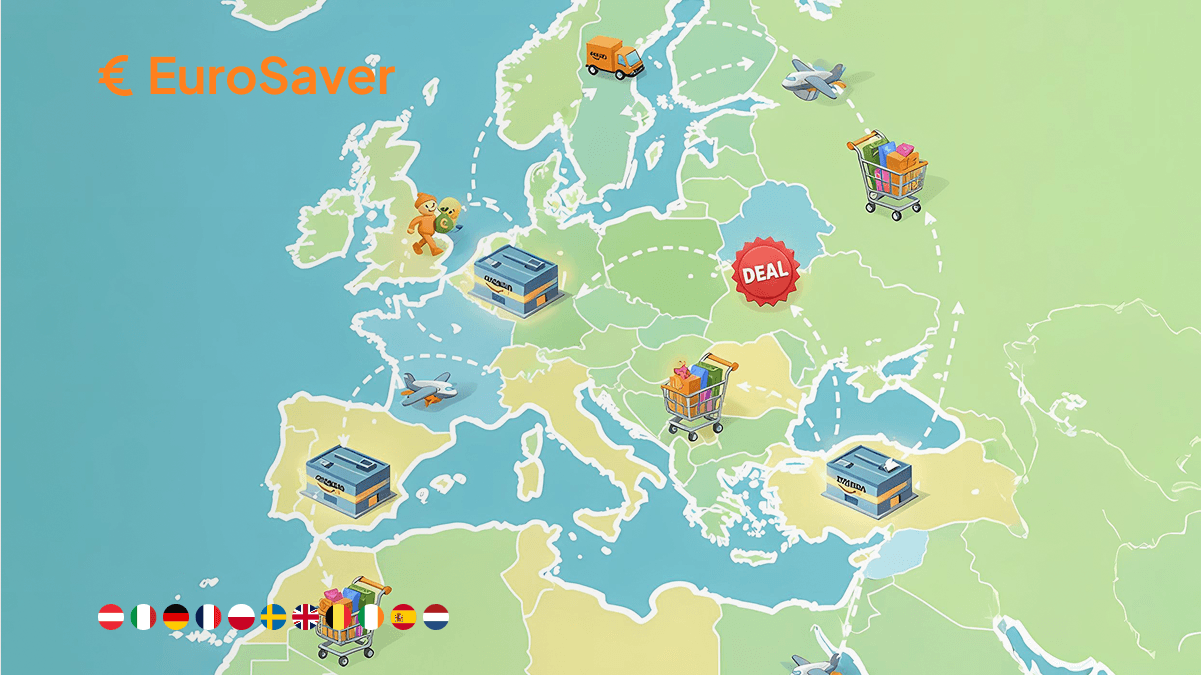
EuroSaver makes price differences between the European Amazon stores visible directly on the item page. No tab switching, no mental arithmetic in foreign currencies, no delivery costs that surface only in the final order step. A gut-feel decision becomes a comparison with numbers.
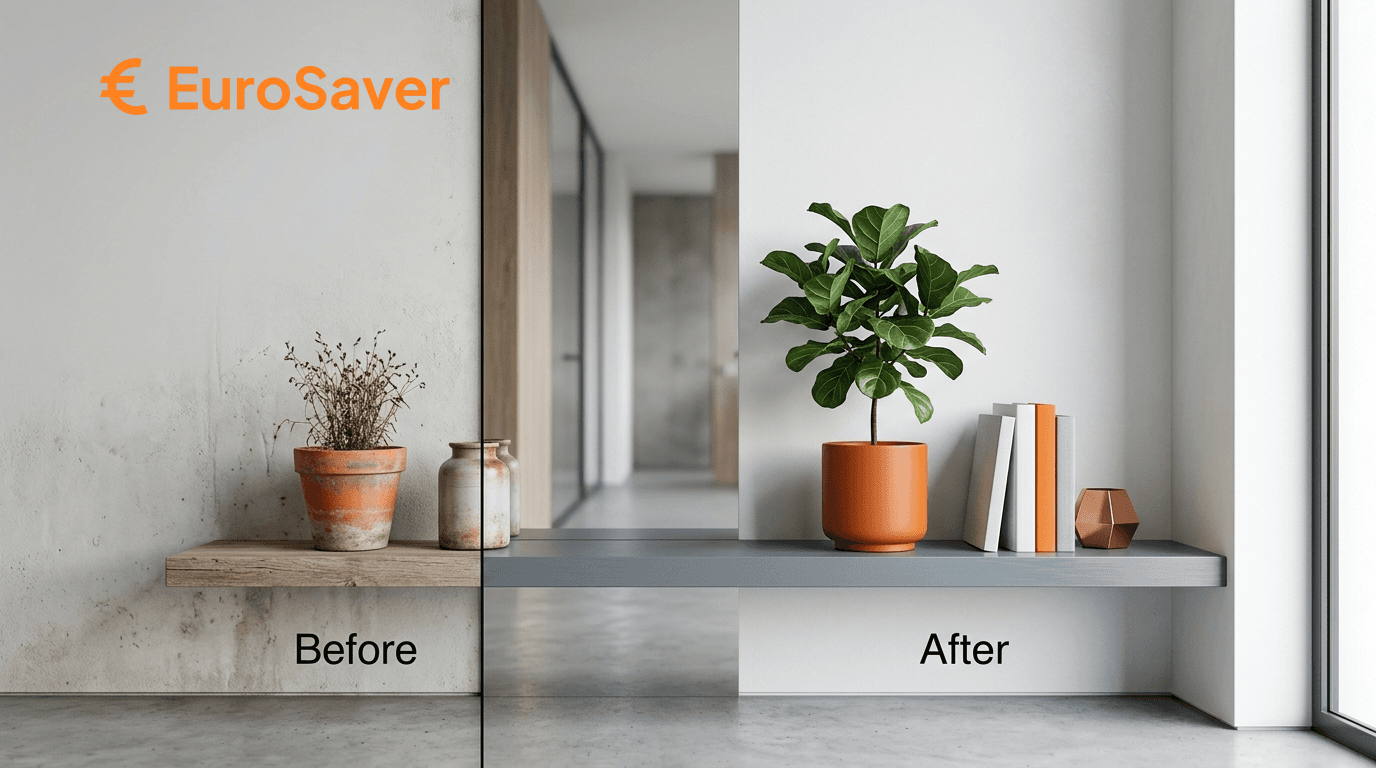
Some improvements are best shown side by side. Here are three situations from everyday Amazon use, once without and once with EuroSaver.
Is a price on amazon.co.uk actually good?
What looks like a bargain on the UK page often sits at the European average. Without looking at neighbouring stores you regularly pay too much, simply because demand on your market happens to be high.
Before: a price without a benchmark
You see a figure and have nothing to measure it against. The coffee machine costs £180, its former list price was higher, so it seems fair. Whether the same model is being cleared right now on amazon.de or amazon.fr, you do not know.
You could find out. Open each store separately, type in the product code, note down prices. In practice hardly anyone does. Most people just buy.
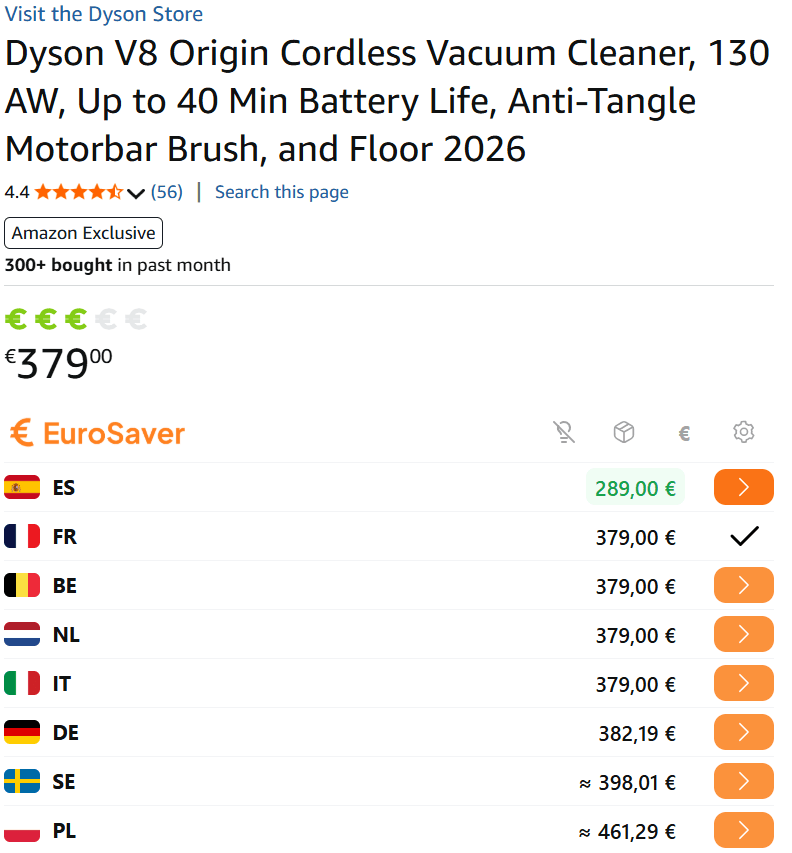
After: all EU stores at a glance
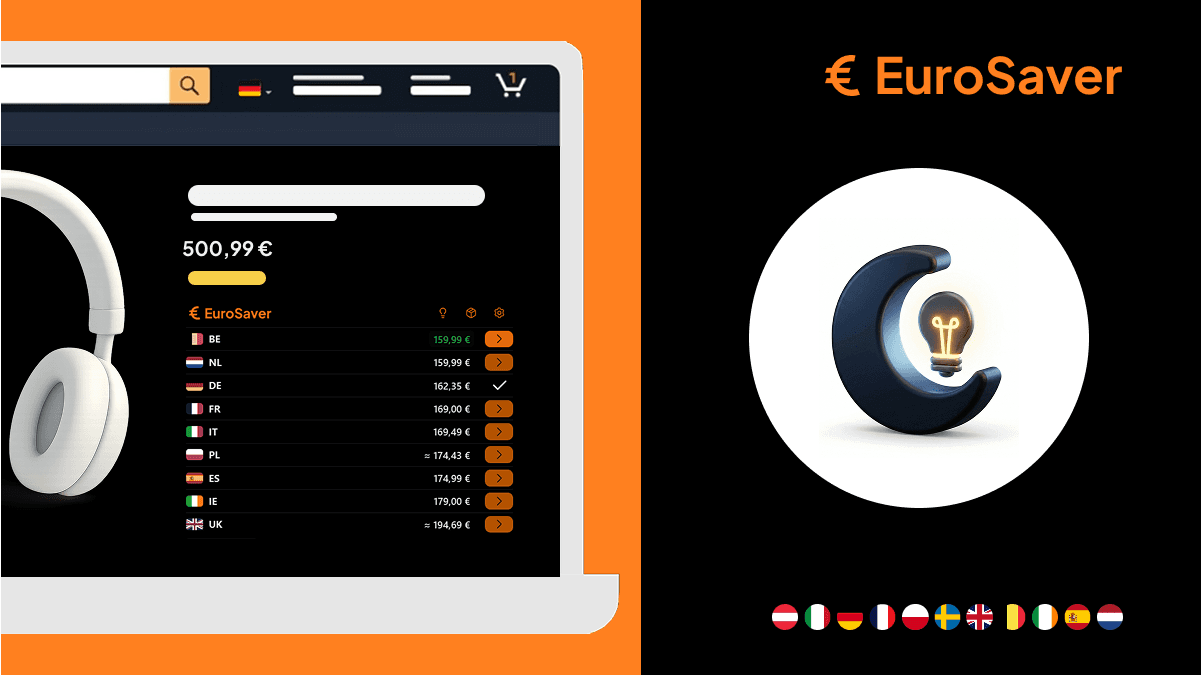
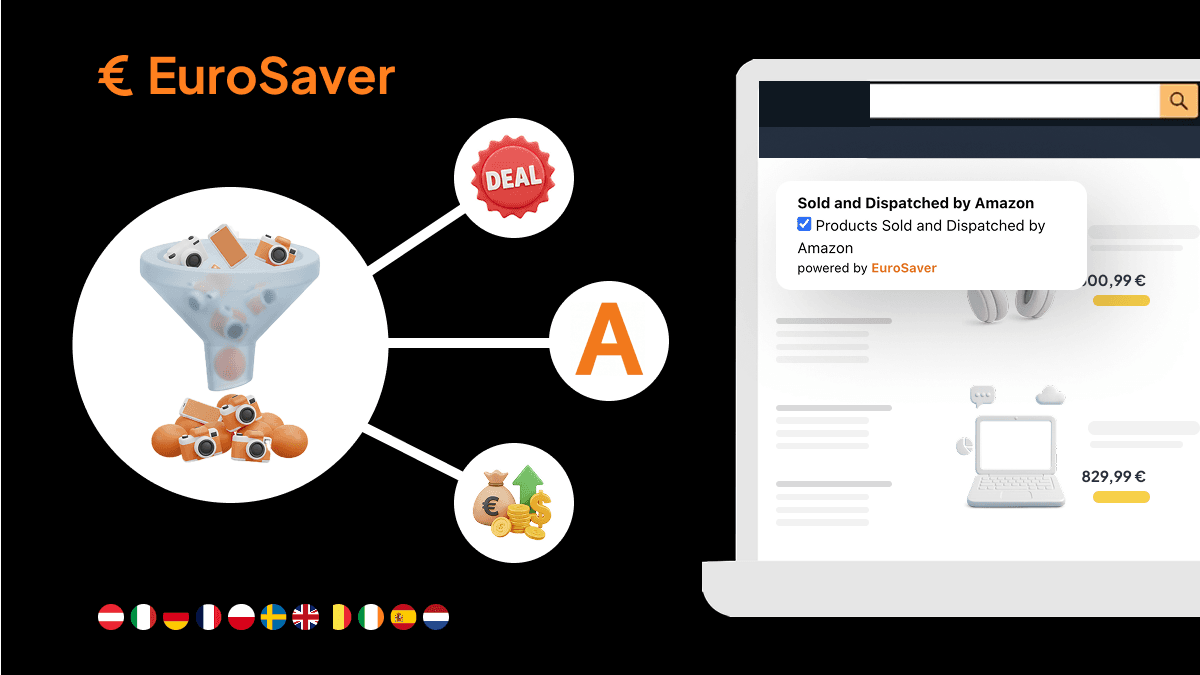
As soon as you open the product page, the EuroSaver price bar slides in and lists current prices from Germany, France, Italy, Spain and the other marketplaces. If amazon.de shows up there with £140 equivalent for the same coffee machine, you have your decision basis exactly when you need it. The data is fetched in the background while you browse on normally.
Why currency conversion in your head rarely works
Pounds may be home turf, but Polish złoty or Swedish kronor barely convert cleanly while shopping quickly. The rate moves, your bank charges a fee, and the rough estimate in your head lands wide of the mark.
Before: foreign currency as a riddle
A drawing tablet stands at 1 299 zł on amazon.pl; the UK offer costs £249. Looks more expensive. But what rate applies today, and how much does your card charge for the foreign transaction?
Nobody carries the exact factor in their head. So either you click away unsure, or you order blind and hidden costs eat the advantage.
After: one currency, immediately comparable
EuroSaver converts all foreign amounts into your chosen currency using daily rates. Every price stands in the same unit next to each other. If the tablet comes out at £236 converted, you see the £13 saving against the UK store straight away. The calculator stays closed.
Why shipping costs tip the deal
A low product price abroad is worth nothing if cross-border delivery swallows the discount. You usually notice that at the last checkout step, meaning after you already invested time searching.
Before: shipping only appears at checkout
A pan set on amazon.it costs £20 less than here. Basket, address, last step — and there sit £15.99 shipping to the UK. What remains is £4.01 saved, with a longer delivery route and a more complicated return. For that effort it was not worth it.
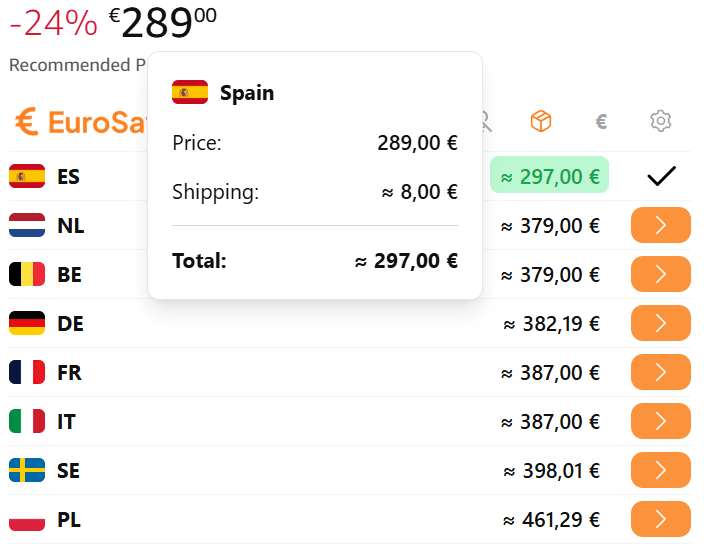
After: the total from the start
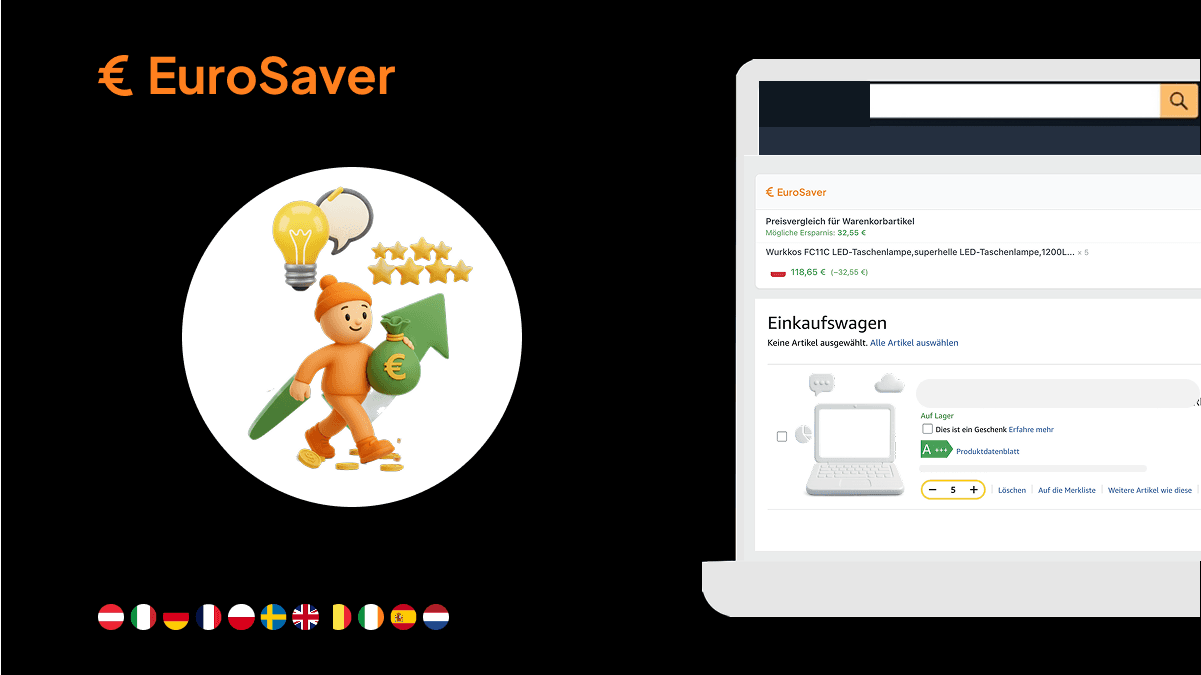
EuroSaver includes the estimated shipping to your country right in the country overview. You see an £80 product price, £15.99 shipping, £95.99 total. Next to it stands the UK price of £100, and you decide whether four pounds of difference justify the import charges on top. Without clicking through somebody else's checkout.
Where automatic store comparison hits its limits
No tool can predict every condition of every seller or every tax rule of your delivery country. Three points deserve your own attention:
- Import charges: goods from EU stores arrive as exports, so no EU checkout adjustment applies. Import VAT of 20 percent plus courier fees land after purchase instead.
- Marketplace sellers: not every third party ships to every country. When Amazon itself is not the seller, dispatch to the UK can be blocked entirely.
- Return costs: on cancellation the item may travel back to a foreign warehouse, and depending on the store's policy those costs are not always fully refunded.
How to handle these details in practice is explained in the EuroSaver guide. How the extension measures up against other solutions shows the comparison EuroSaver vs. Hagglezon.
What changes in the end
In all three cases the product stays the same. What changes is the information you hold before pressing the buy button.
You do not need to change your search habits or open an external platform. EuroSaver adds the European perspective to your normal Amazon browsing and removes the uncertainty around currencies and delivery costs.
Install EuroSaver if you want to compare Amazon prices in Europe in seconds.
FAQ
Does EuroSaver always show the exact final price including shipping?
The displayed shipping costs are reliable benchmarks for standard delivery to your home country. Because fees vary by seller, parcel size or Prime status abroad, check the definitive amount at the last step of the foreign checkout.
Can I order in other EU stores with my usual account?
Yes. On most European marketplaces such as amazon.de, amazon.fr or amazon.es you sign in with your existing credentials; payment methods and addresses are usually carried over. Between the continental stores you need no new account.
How does EuroSaver handle other currencies?
Prices from Poland, Sweden or other non-euro countries are automatically converted into your chosen currency based on daily rates. Not included is the foreign transaction fee your bank or card provider may charge.
Does the extension slow down my Amazon page?
No. Prices are queried in the background while the product page loads normally. EuroSaver does not intervene in the ordering process.
Does EuroSaver cost anything?
No. The browser extension is free and works without an account: install it and the price bar appears on your next visit to Amazon.