Why EuroSaver asks for browser permissions
A look at the permissions every extension has to request
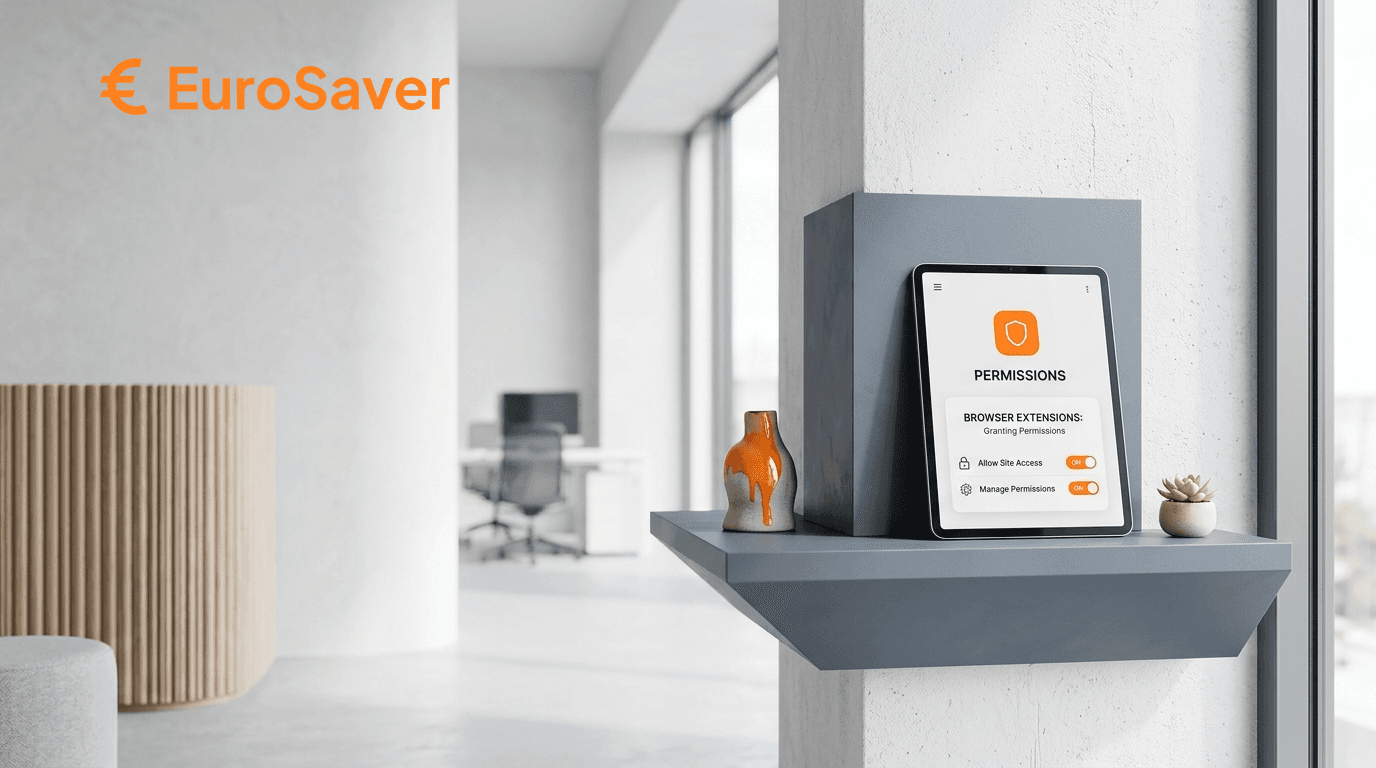
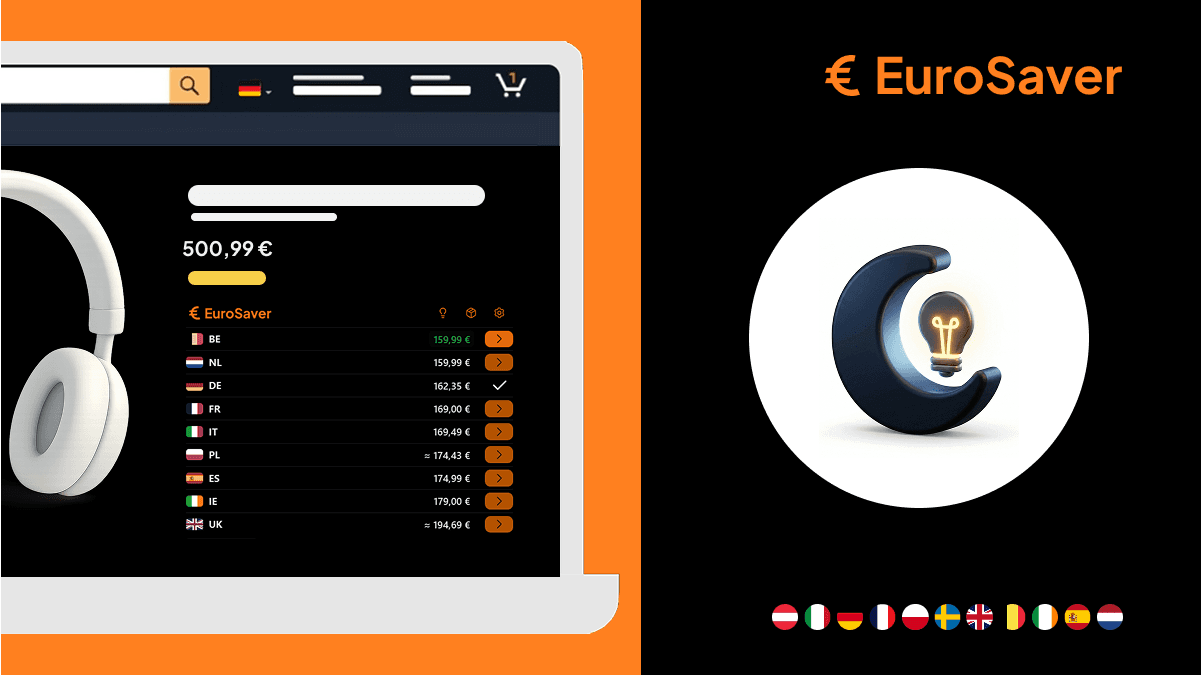
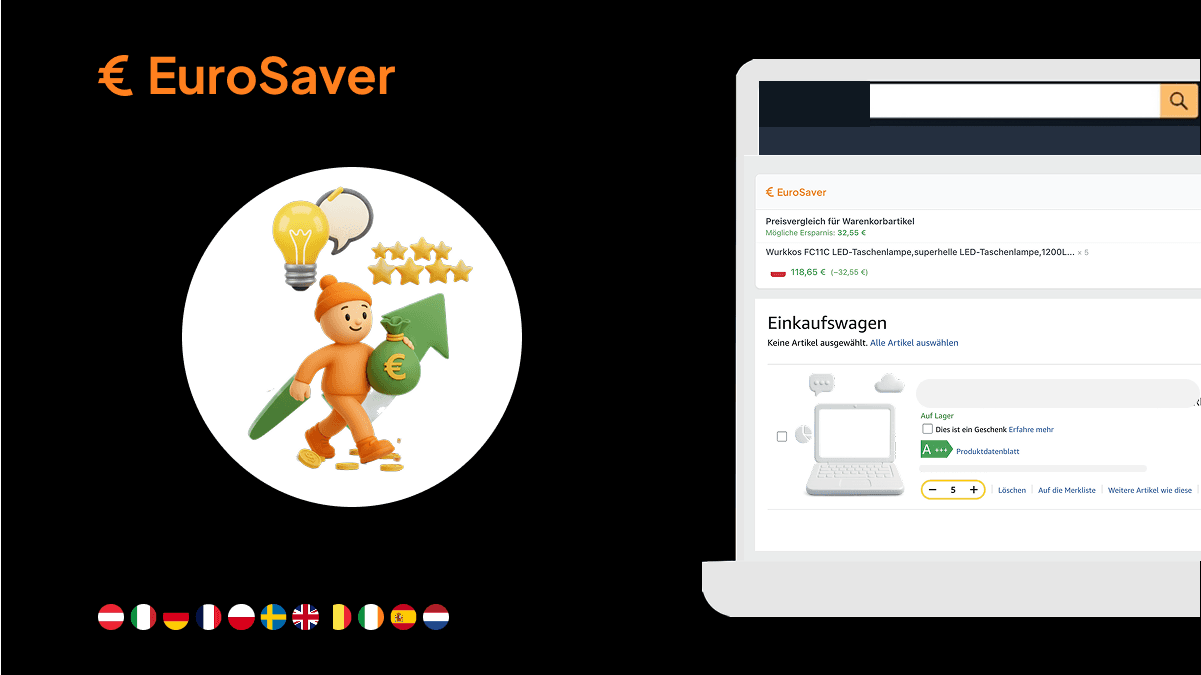
EuroSaver needs access to Amazon product pages to read the product code there and display prices from the other European marketplaces. Without that permission an extension is not allowed, for security reasons, to work with the content of a web page. Only what is technically necessary for price comparison is requested.
Every installation brings the same moment: a pop-up lists permissions that sound like a lot of access. Why would a small bargain-hunting tool want to poke around in my browser?
A fair question. So here is each permission individually and what it is used for.
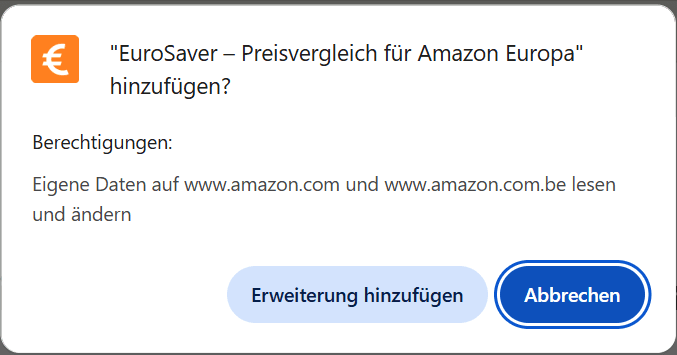
Access to Amazon pages: reading the ASIN
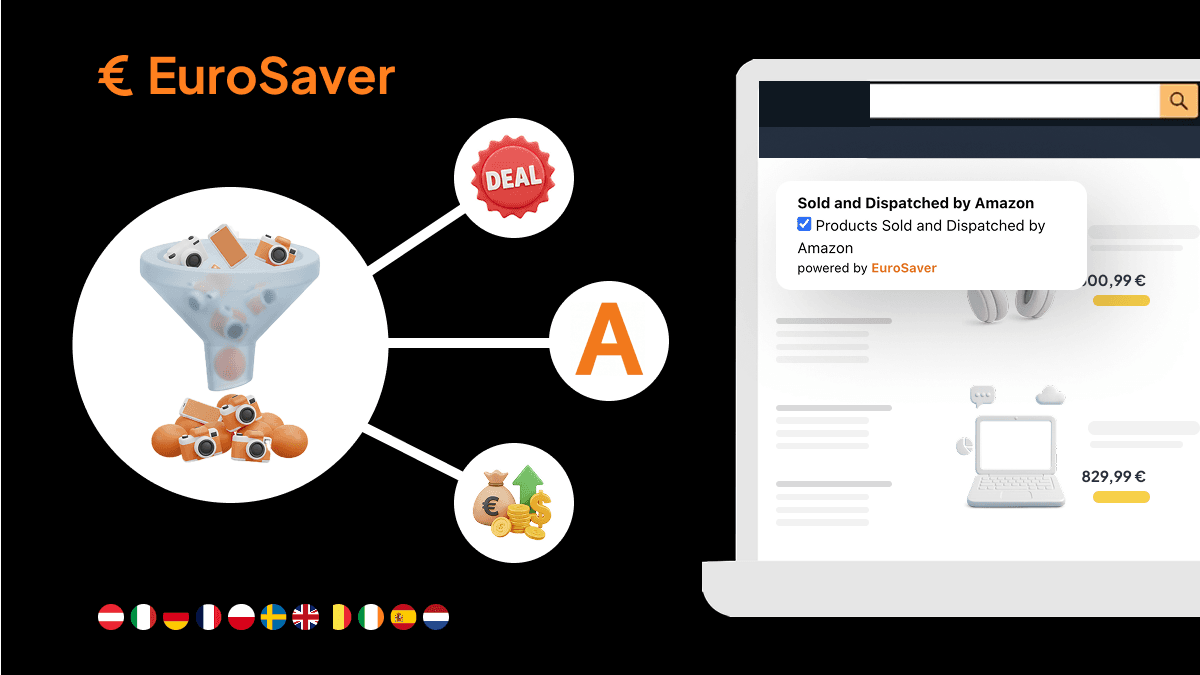
Every product on Amazon has a unique identifier, the Amazon Standard Identification Number or ASIN. It sits in the source code of the product page. To find it, the extension needs permission to analyse the structure of the open page. Only with that number can it check what the same product costs in Spain, France or Germany.
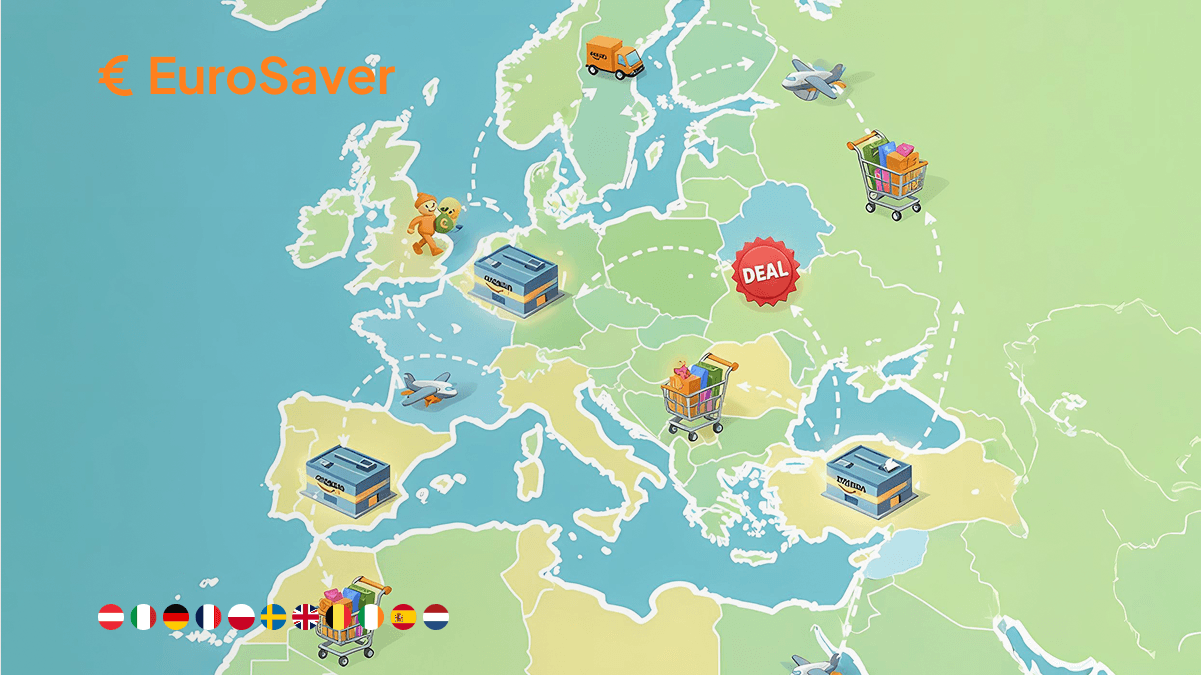
An example: a bean-to-cup coffee machine stands on amazon.co.uk for £499. EuroSaver reads the ASIN, queries the other marketplaces and finds the same model on amazon.es for 479 € (about £405). Without access to the open product page, that difference of roughly £94 would stay invisible, because the tool would not even know what to search for.
The process takes fractions of a second. The extension waits until the page has loaded, looks for the relevant fields in the source code and inserts the price bar. Name, delivery address and search history stay out of scope. It is only about connecting the product in front of you with the price data of the other countries.
Storage: so your settings persist
The storage permission saves your preferences on your device. That includes your preferred currency, filters for shipping options and the selection of which marketplaces should appear in the comparison at all.
Browsers provide extensions a protected area for this purpose, similar to a cookie but dedicated specifically to add-on configuration. Switch all prices to Swiss francs and the tool must remember that decision. Without storage you would set currency and filters anew on every single product page.
The decisive word is local. The data stays in your browser profile on your computer. No synchronisation with external servers, no sharing with third parties. That store is purely a memory aid for the tool.
activeTab: the safety brake
activeTab ensures the extension only works when you actually click and use a tab. That way no add-on can quietly eavesdrop on all open tabs or your history in the background.
The permission model of modern browsers is strict here, and activeTab is its most data-thrifty variant. The tool receives a temporary grant exactly for the moment you are on a matching page. Do online banking or read your mail in parallel and that tab stays closed. Neither legally nor technically can the extension reach it.
The boundary is thus clearly drawn: the tool may work only where it has an assignment, namely on the Amazon page you currently have open.
Broad versus targeted permissions
Many warnings in the browser stores are phrased drastically. The difference lies in how far an extension's radius reaches.
In the manifest file the developer must state precisely on which websites the tool may run. Poorly built or unscrupulous add-ons request access to all websites, whereupon the browser warns that the extension could read and change data on all visited pages.
For EuroSaver the allowed domains are fixed in code. They are exclusively the Amazon marketplaces:
- amazon.co.uk
- amazon.de
- amazon.fr
- amazon.it
- amazon.es
- amazon.nl
- amazon.pl
- amazon.se
Open a news site, a social network or another shopping portal and the extension sleeps. The browser does not even start it there, which incidentally also saves resources and loading time. This restriction is the most effective protection of your privacy.
What EuroSaver does not do
No collection of personal data, no reading of passwords or payment information, no tracking of your browsing. The tool retrieves publicly available price data from the European Amazon platforms, nothing more.
With a free tool the obvious question follows: how does it make money then — are data sold? No. The extension requires no registration, no account, no login. Where nothing is collected no profile of your shopping behaviour can form either. The tool is passive and reacts only to products you are looking at anyway.
If you prefer comparing without any installation, web-based alternatives exist. The differences between an integrated extension and an external comparison site are shown in our comparison EuroSaver vs. Hagglezon. Both approaches work; the extension simply saves you the page switch. A short introduction to the first steps sits on the EuroSaver welcome page.
Checking the permissions yourself
You do not have to take our word for it; you can look. Chrome, Firefox and Edge each have their own control centres.
Click the puzzle-piece icon or the extensions menu in the browser bar, choose EuroSaver and open the details. There you find which permissions are active and which websites the tool may access. The list matches what is written in this article.
And if the extension is no longer needed: two clicks and it is gone. No residue, no background service.
Being critical about installed software is right. EuroSaver's permissions serve exactly one purpose: showing the European price comparison directly on the product page you are on.
Install EuroSaver if you want to compare Amazon prices in Europe in seconds instead of minutes.
FAQ
Why does my browser warn me during installation?
Browsers show standardised warnings for every extension allowed to modify the content of a web page. Since EuroSaver builds the price bar into the Amazon page, that general notice applies. The rights are used exclusively on the supported Amazon marketplaces.
Can EuroSaver see my card details or passwords?
No. The extension has no access to payment forms or password inputs. Technically, access is limited to product information such as title, ASIN and price. Ordering and payment run separately through Amazon's encrypted systems.
Are my data transmitted to external servers?
No. Private data and information about your browsing never leave your browser. The price query runs anonymously via the product identifier; your filter settings remain locally in the browser's storage area.
Does the extension work in other online shops too?
No. EuroSaver is built to compare the European Amazon marketplaces. On all other websites it stays inactive and requests neither permissions nor data there.
Can I revoke individual permissions afterwards?
In Chrome and Edge you can set in the extension's details on which pages it may run. If you restrict or disable access to Amazon domains, the price bar can no longer be displayed because the ASIN could not be read.