Amazon price comparison Chrome extension at a glance
From the Amazon product page to the European comparison in a few clicks

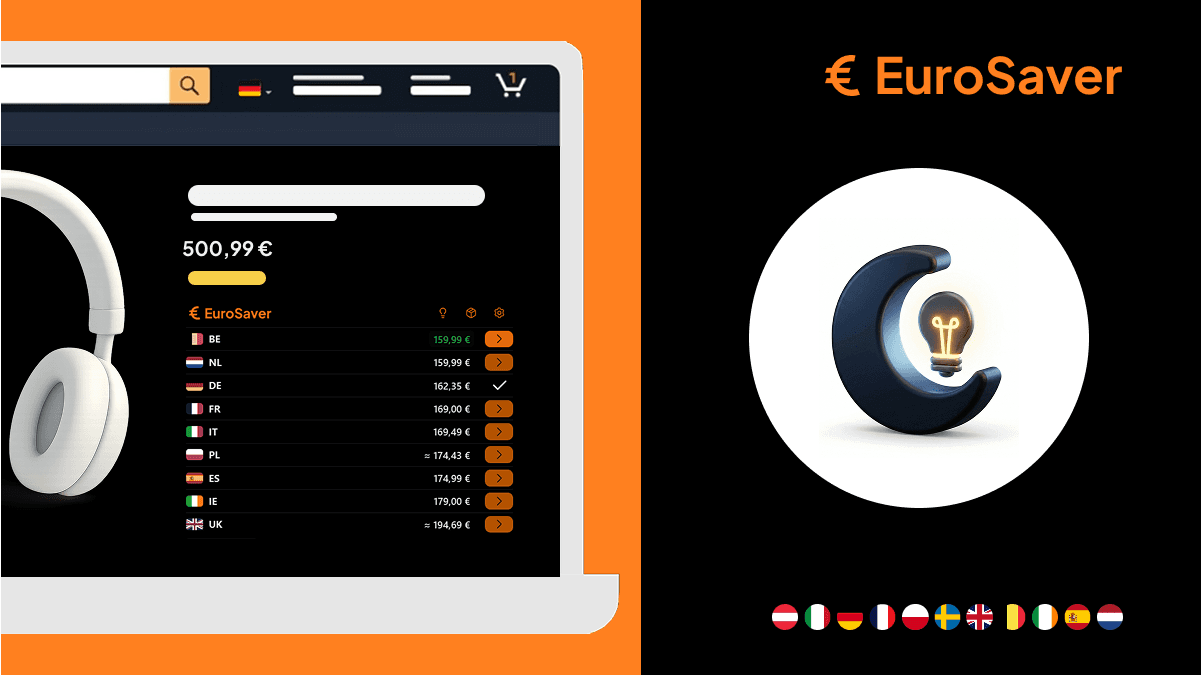
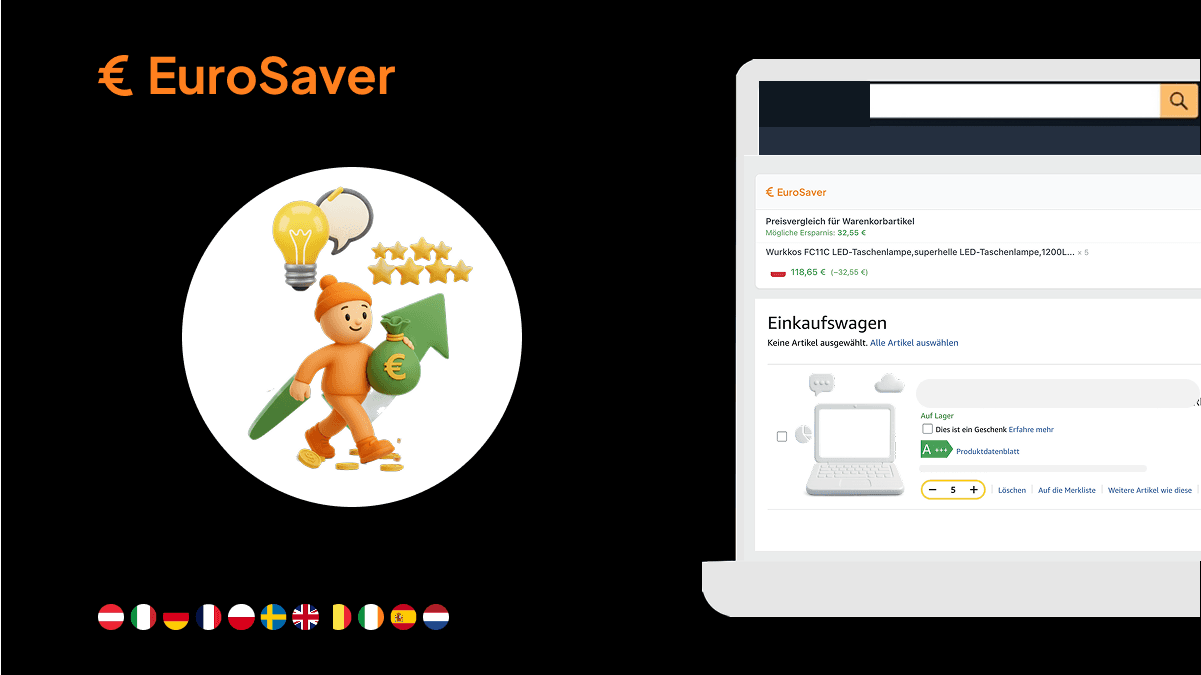
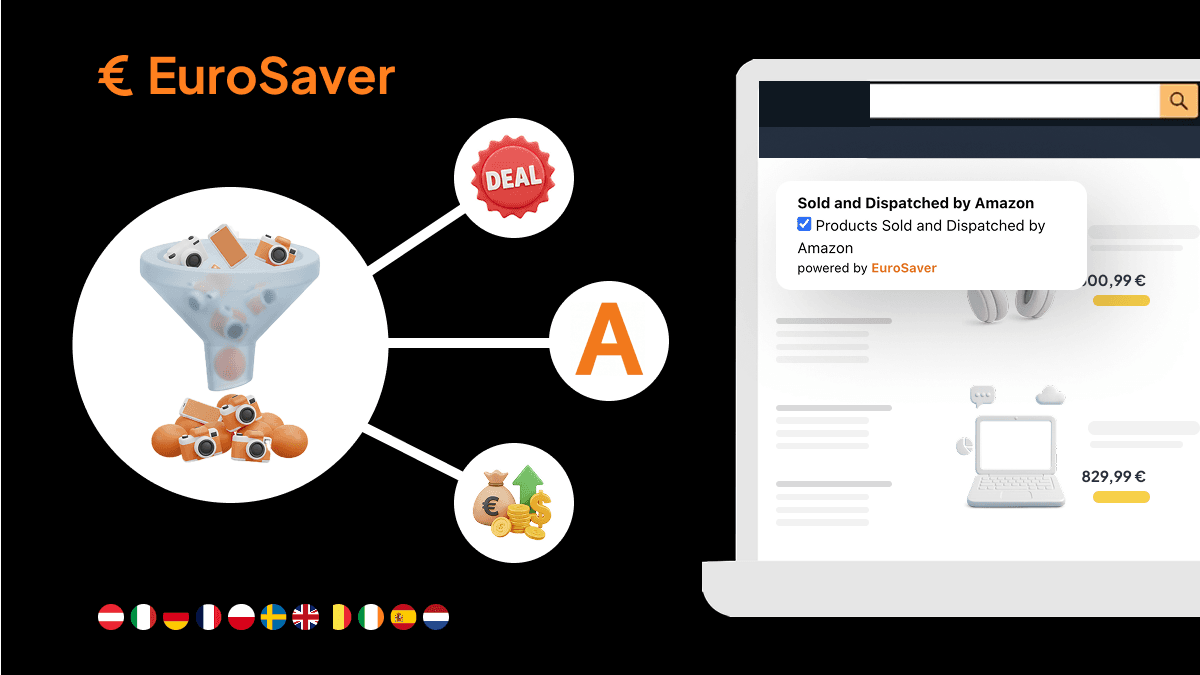
A Chrome extension for Amazon price comparison works on the product page you already have open. It reads the product identifier in the background and lists current prices from the European marketplaces. While browsing you see whether buying abroad is worth it, without searching yourself.
A notebook, a coffee machine, the new smartphone: on your home platform they often cost more than next door. Only manually hopping between Spain, Italy, Germany and France is tedious. Opening tabs, noting prices, adding up currency and shipping by hand.
A browser extension takes over exactly that part and hooks the European comparison onto your usual shopping flow.
Why looking across the border on Amazon pays off
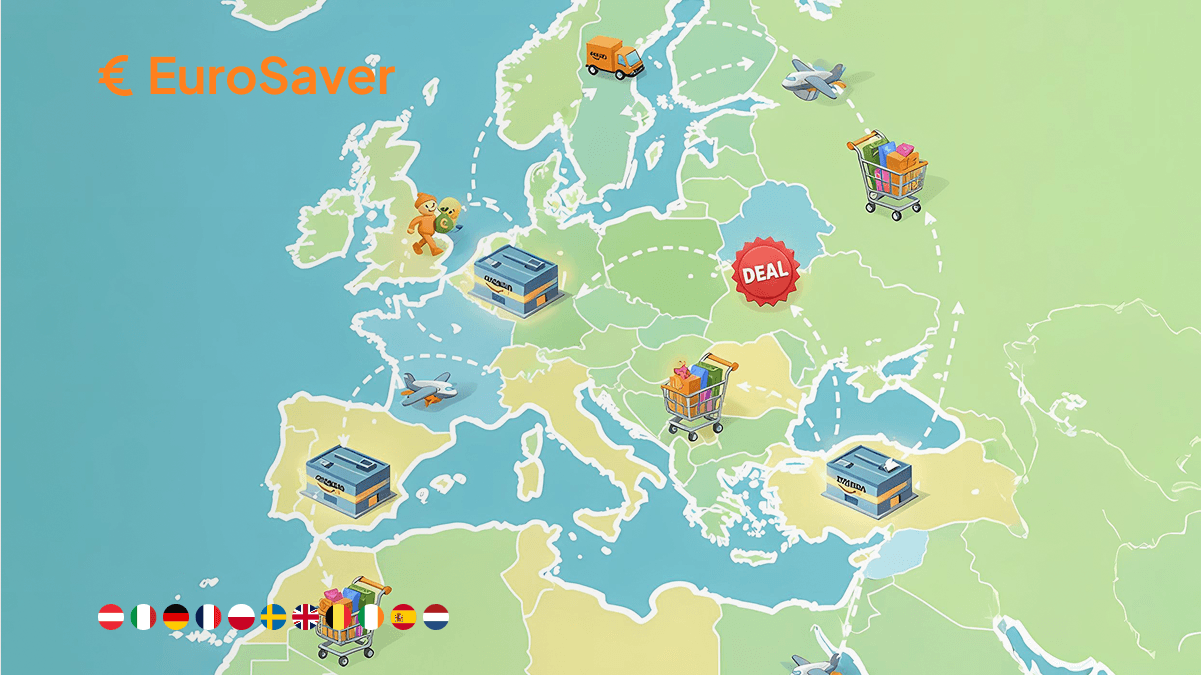
Amazon runs several independent marketplaces in Europe. Each adjusts its prices dynamically to local demand, VAT rates and regional competition.
An article flagged as an offer on the UK platform therefore does not necessarily have Europe's best price. Warehouses in Spain or Poland regularly clear whole product categories at considerably better conditions. On electronics, household appliances and branded clothing a saving remains even after deducting cross-border shipping.
The only catch so far has been the effort. That is precisely where a specialised extension comes in.
Step by step: how the automatic price check runs
After setup everything happens during your normal shopping.
1. Installation from the Chrome Web Store
Search for the EuroSaver extension in Google's official store and add it to Chrome with one click. No registration, no account; the tool is ready right after download. The icon in the browser bar shows it is running in the background.
2. Open the product page as usual
When you open a detail page on amazon.co.uk, the extension identifies the product via the ASIN, the Amazon Standard Identification Number. That number is identical on all European Amazon platforms for the same product.
3. Reading the price bar
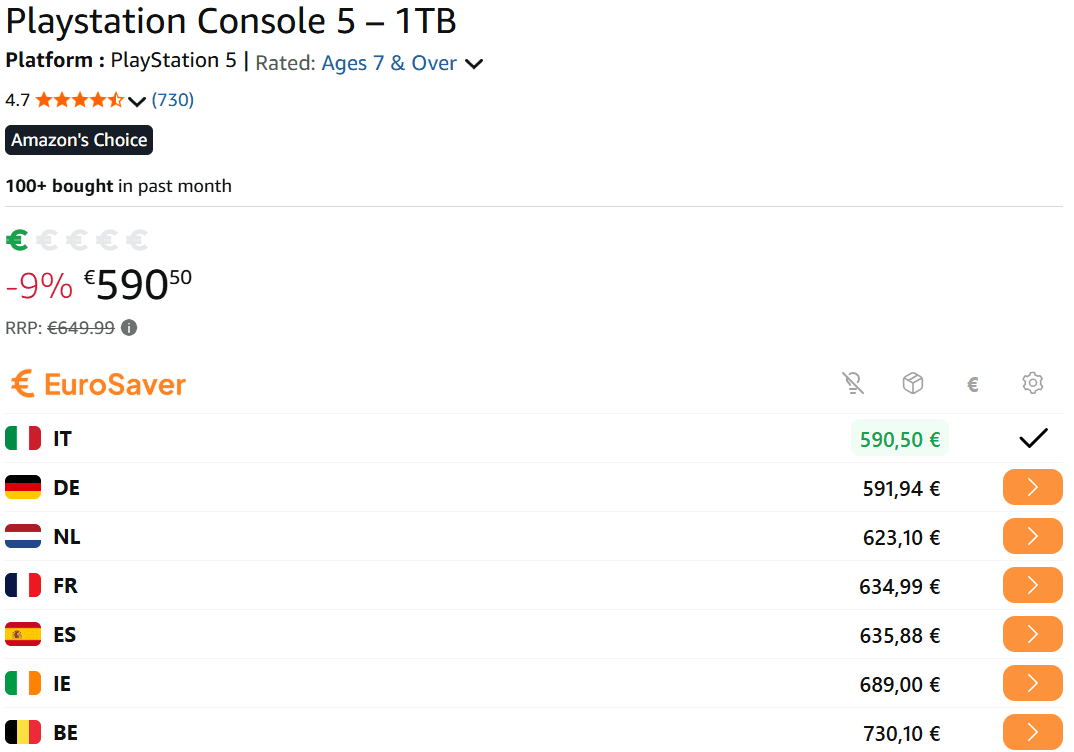
On the page appears a compact bar or popup with prices from amazon.de, amazon.fr, amazon.it, amazon.es and the other marketplaces. You see where the product is listed cheapest without leaving the page.
The traffic light: sorting prices instantly
The integrated price indicator rates the price of the page you are viewing against the European alternatives.
- Green: the current marketplace has Europe's best price. Importing serves no purpose.
- Yellow: somewhere else it is slightly cheaper, but the gap is small or eaten up by shipping.
- Red: a neighbouring country is clearly cheaper. Here a close look at the foreign offer pays.
You spare yourself wading through long columns of numbers. At page load it is clear whether action is needed or you can order in the UK store without worry.
Worked example: wireless headphones
On amazon.co.uk the model costs £319. The EuroSaver bar reports when the page opens: 279 € (about £238) on amazon.es. Difference before shipping: £81.
£319 (amazon.co.uk)
238 £ / 279 € (amazon.es)
£81 saving before shipping
Shipping from Spain costs £7.99 here. Because the parcel then enters the UK as an import, further charges apply: import VAT at 20 percent on roughly £246 (goods plus postage) adds about £49, plus around £4 courier clearance fee. Total for the Spanish order: about £299. What remains is a real advantage of roughly £20 — noticeably slimmer than the headline gap, but still positive. The example shows the typical UK picture: import charges take a solid bite out of European savings, so only larger differences survive. Since you sign in with your usual account on the Spanish site and order directly there, those £20 materialise in a few clicks.

Where the limits of pan-European shopping lie
Importing from another EU country works smoothly, yet no automatic comparison replaces the final look into the basket. Three points belong to the calculation.
Shipping costs and delivery times
Each marketplace calculates cross-border shipping itself. Within its own country Amazon often delivers free above a certain order value; to foreign addresses almost always a flat fee applies. Add two to five working days extra transport time from warehouses in Spain, Italy or Poland.
Import charges instead of checkout adjustment
Amazon calculates the final price at the last checkout step using the destination country's rate — inside the EU. Orders arriving in the UK see none of that adjustment: goods leave the EU store as exports and UK import VAT of 20 percent plus courier fees land afterwards, with customs duties possible above £135.
Marketplace sellers or direct dispatch by Amazon
The comparison is most reliable when Amazon itself sells and ships. External marketplace sellers have their own rules for international shipping, and some do not deliver certain items across the border at all.
How the extension performs day to day
Classic price comparison portals often work with delayed data. A browser extension queries close to the moment the page opens, protecting you from expired offers. Anyone wary of manual comparison can alternatively turn to websites like Hagglezon. Strengths and weaknesses of both approaches are set against each other in the guide EuroSaver vs. Hagglezon.
In operation the extension stays unobtrusive. It activates only when a valid Amazon product page is actually open. Browser performance remains untouched; no advertising and no notifications.
Privacy in the automatic price check
Serious extensions work sparingly with data. For EuroSaver you need no registration, no email address and no linked accounts.
Only the publicly visible structural data of the product page is read, mainly ASIN and current price. Purchase histories, address data and payment information are neither captured nor stored on external servers.
What you get out of it
The price differences between the European Amazon stores exist whether you use them or not. A Chrome extension takes the manual comparison off your hands: searching, converting, evaluating happens in the background while you click through the range as normal.
In the end you make your buying decision with one more number on the table: Europe's best price.
Install EuroSaver if you want to compare Amazon prices in Europe in seconds instead of minutes.
FAQ
Do I need a separate account for every Amazon country?
No. On all European marketplaces such as amazon.de, amazon.fr or amazon.it you sign in with your existing credentials; payment methods and delivery addresses are usually carried over. Only the Prime membership normally applies solely in the home country.
Are shipping costs included in the comparison?
The extension first shows the product price of the respective country and points out expected shipping costs. Because the exact fee depends on weight, seller and delivery address, the binding final amount appears only in the last step of the Amazon checkout.
Can I claim on imported products normally?
Yes. Amazon's customer service works across borders. Purchases in the UK fall under the Consumer Rights Act 2015; goods bought from EU-based sellers follow that seller's national rules instead, which can make enforcement slower if something goes wrong. Returns often run through UK logistics centres; alternatively you receive a prepaid label for international shipping.
Does the extension also work in Edge, Brave or Opera?
Yes. Those browsers build on Chromium and use the same extension. Firefox has its own version in Mozilla's add-on store.
Does the extension slow down my browser?
No. It starts only on valid Amazon product pages; on all other websites it stays inactive and consumes no resources.