Amazon currency conversion: compare UK, Sweden and Poland prices
Why pounds, kronor and złoty distort the comparison
54,99 €. Cheap or expensive?
Without conversion there is no answer. As soon as you bring stores like amazon.de or amazon.pl into the comparison, you are juggling foreign currencies, because every store shows its prices in its own base currency.
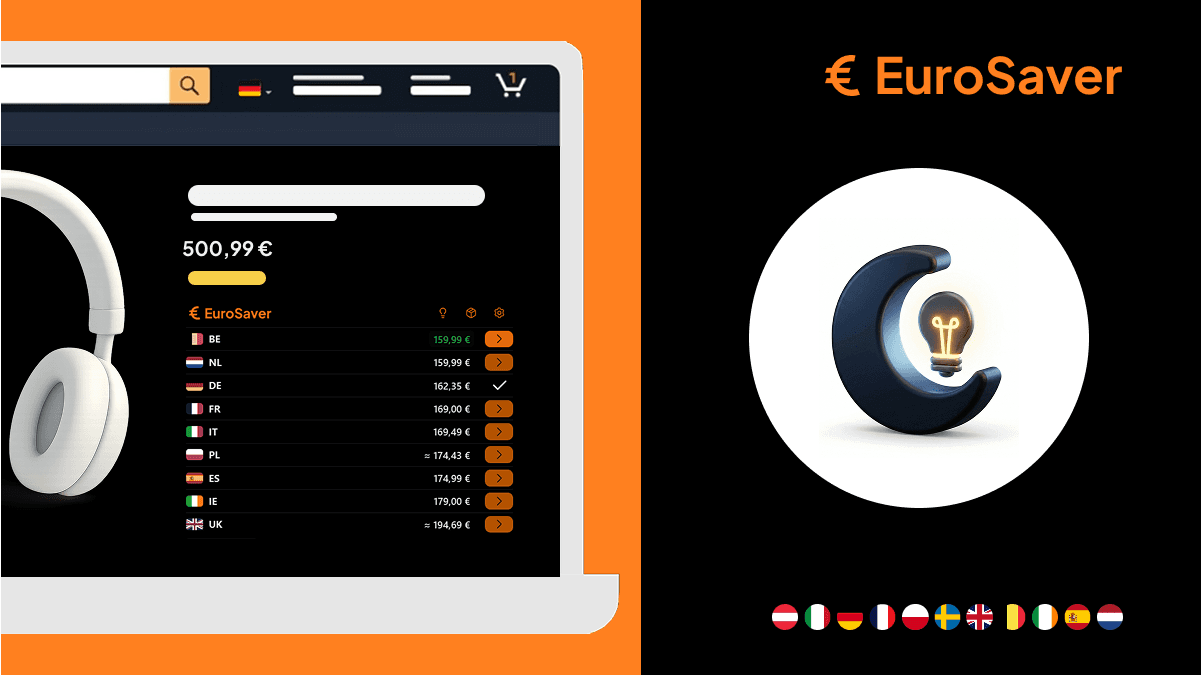
You can only compare cleanly when all amounts stand in a single currency. Amazon lets you change the display currency on some stores, but store by store. EuroSaver automatically converts the prices of all compared EU stores into one of more than 16 selectable currencies, directly on the product page.
Why Amazon stores have different base currencies
Every European Amazon store is built for its home country. amazon.co.uk bills in pounds sterling, amazon.se in Swedish kronor, amazon.pl in złoty, while the continental eurozone stores use euros. For customers in each country that is convenient. In a comparison across several countries it becomes a problem as soon as you stop thinking in that currency.
Example Germany
A tool set costs £89 on amazon.co.uk; the same set stands at 54.99 € (about £47) on amazon.de. Without conversion the figure tells you nothing. Only in a common currency do you see whether the German offer is worth it at all.
Example Sweden
A pair of headphones stands on amazon.se for 1 099 kr; the UK listing costs 89 GBP (about £89 versus roughly £92 converted). The Swedish number looks cheaper because it is smaller. How large the real difference is only shows once both prices sit side by side in one currency.
Base currencies of the main Amazon stores
| Store | Country | Base currency |
|---|---|---|
| amazon.co.uk | United Kingdom | Pound sterling (GBP) |
| amazon.de | Germany | Euro (EUR) |
| amazon.fr | France | Euro (EUR) |
| amazon.it | Italy | Euro (EUR) |
| amazon.es | Spain | Euro (EUR) |
| amazon.se | Sweden | Swedish krona (SEK) |
| amazon.pl | Poland | Polish złoty (PLN) |
Within the eurozone conversion drops away; all prices there are already in euros. As soon as a store sits outside, conversion decides whether your comparison holds. For UK shoppers nearly every continental price is foreign currency — which is exactly why this topic matters here.
Amazon can switch currencies, with three catches
Many Amazon stores offer in the account settings or directly on the page the option to change the display currency. It works, but has limits.
Store by store: the setting applies only to the currently open store. Anyone comparing amazon.co.uk, amazon.de and amazon.se checks and changes it three times.
Not uniform everywhere: the range of display currencies differs per store, and the option is not always easy to find.
No comparison: even with the currency switched, Amazon continues showing prices individually per store, never side by side. The comparison remains manual work.

How EuroSaver solves the currency conversion
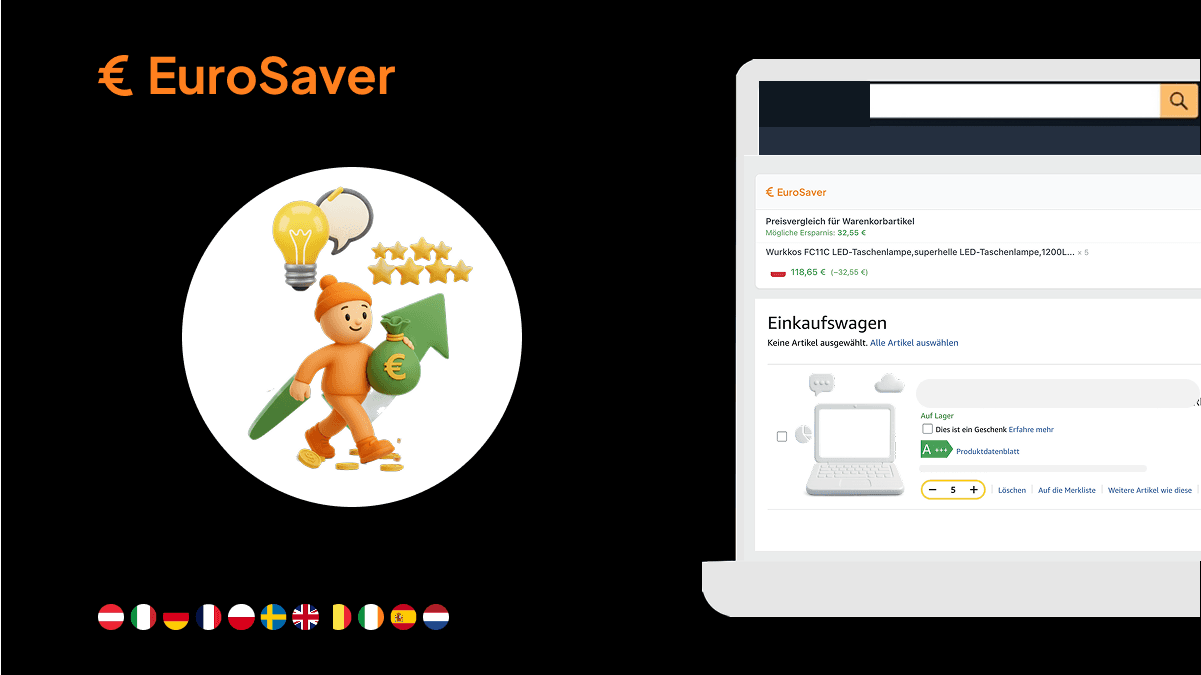
EuroSaver converts the prices of all included EU stores automatically into one of more than 16 selectable currencies, regardless of the store's base currency. You set your target currency once in the settings — pounds, for example — and every compared price then appears in it, whether originally labelled in EUR, SEK or PLN.
What that means day to day
On the product page stands the current store's price in your target currency, next to the cheapest offer found in another store, also converted. No switching of display currencies, no jotting down intermediate results. Compare amazon.co.uk, amazon.de and amazon.se and you see all three prices at once in the same currency without touching a single Amazon setting.
Exchange rates move
What looks like a good deal today may look different in two weeks. The pound and the krona fluctuate regularly. EuroSaver therefore calculates with current rates so the comparison stays close to reality. Binding nevertheless remains always the amount Amazon displays at checkout.
How to go about comparing
- Set the target currency once in the EuroSaver settings.
- Open the Amazon product page as usual, whichever store.
- Read the converted comparison price directly on the page.
- With a larger difference open the cheaper offer and include shipping, see Amazon price comparison including shipping costs.
The foundations of the EU-wide comparison are laid out in Amazon EU price comparison; an overview of supported countries and currencies sits under Which Amazon countries does EuroSaver support?
Why the target currency is freely selectable
Not everyone thinks in pounds. Anyone used to calculating in another currency sets precisely that one and stops converting mentally. The more than 16 currencies cover the usual European national currencies plus some international ones. The comparison adapts to your habit, not the other way round.
In summary
A cross-border price comparison works only with one uniform currency. Amazon offers a manual solution tied to each store; EuroSaver handles the conversion automatically across all compared stores. More about how it works in the feature overview.
Install EuroSaver for free and see prices from Germany, Sweden, Poland and other EU stores directly in your preferred currency.
FAQ
Can I switch between several target currencies?
Yes, in the settings at any time. The selection exceeds 16 currencies, including all common European national currencies plus some international ones.
Why does EuroSaver offer so many target currencies?
Because not everyone calculates in pounds. Whoever uses another currency as their habitual reference sets it directly instead of converting prices in their head.
Do I still need to change the currency setting on Amazon?
No. EuroSaver reads the store price independently of Amazon's display setting and converts it into your target currency.
Why does Amazon not show the right currency automatically?
Because Amazon is built around stores. Each store primarily serves its own country and shows prices in its currency. A cross-store comparison in a freely selectable currency is not part of that concept.
Is the displayed price identical to the checkout price?
The displayed price is a conversion at the time of comparison. Binding is the amount Amazon states at checkout in the store's currency.
Is buying outside the eurozone worth it despite the exchange rate?
Often yes, but add two items into the calculation: the foreign transaction fee from your bank or card, usually 1.5 to 2.5 percent, and cross-border shipping. Only afterwards do you know whether the price advantage holds.